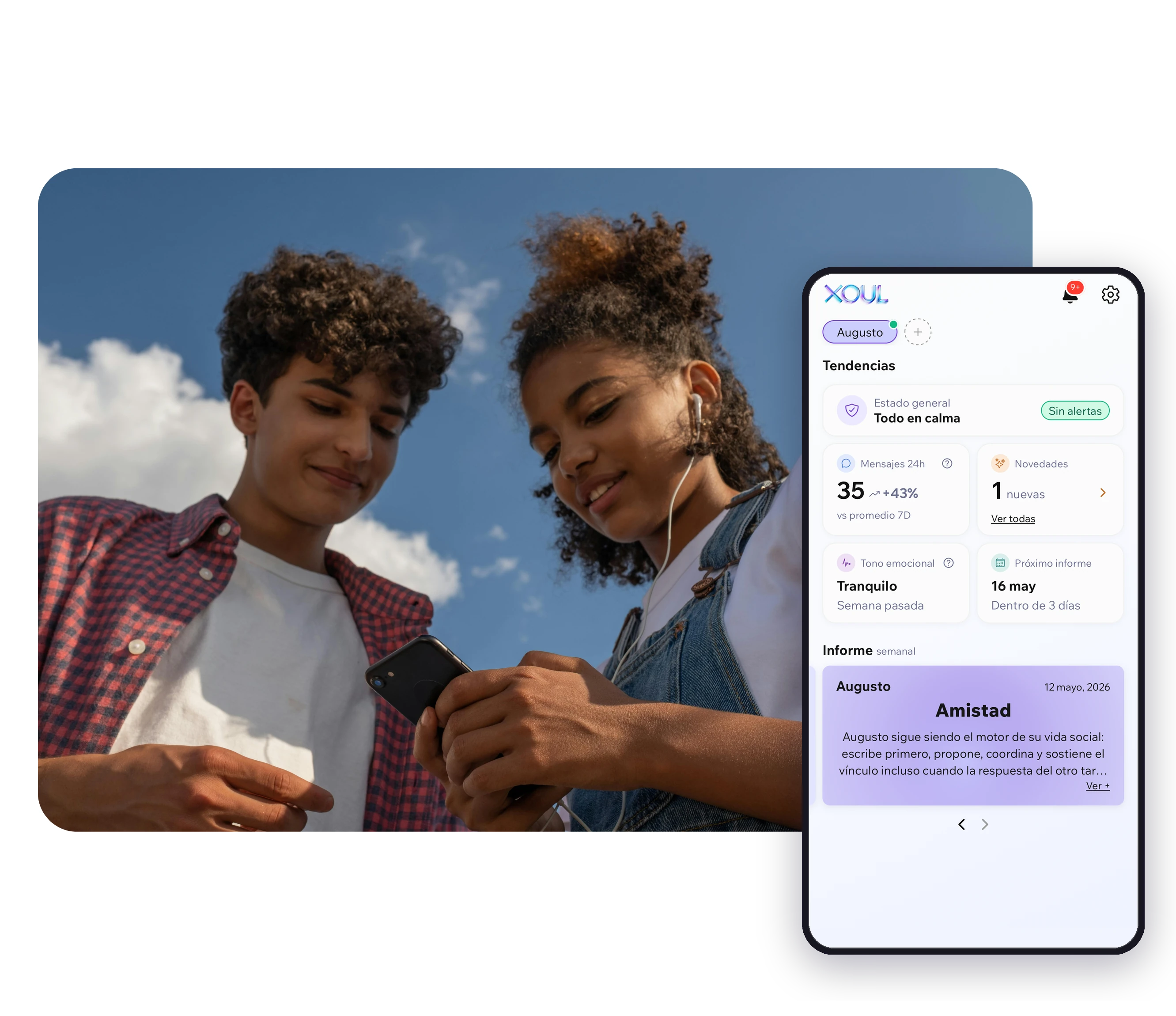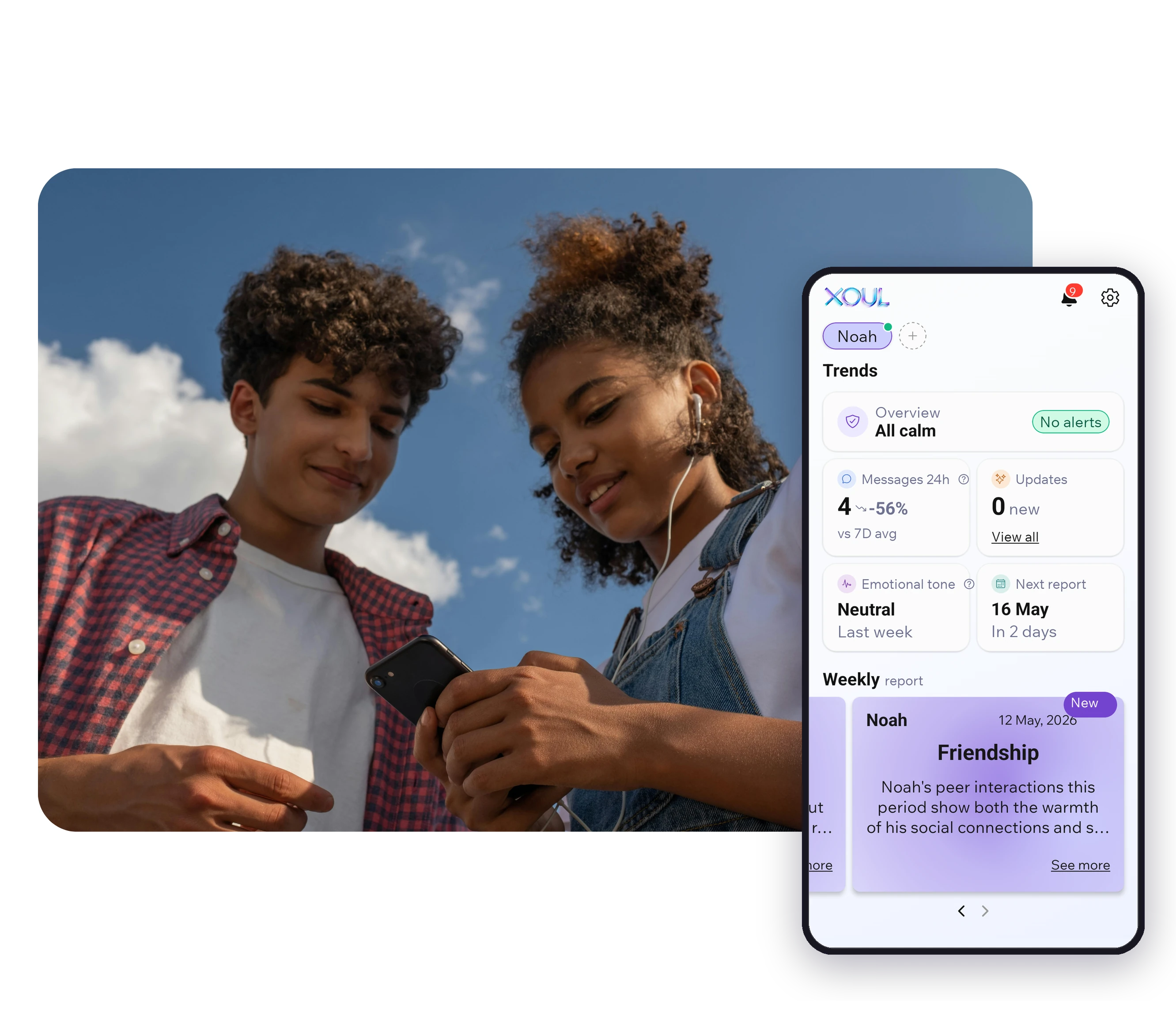

The short answer: there's no single best parental control app; it depends on what worries you. For screen time, start with Apple's and Google's free tools: Screen Time on iPhone or Family Link on Android. To block content and apps across several devices, Qustodio. To know where they are, location sharing in Family Link or Apple Family Sharing. If your child is getting their first WhatsApp, look at WhatsApp parent-managed accounts. And if what you want to know is how they're doing emotionally, Xoul: it isn't parental control, it tells you how your child is doing without showing you their messages.
Updated 19 October 2026. Xoul is one of the options in this comparison; the others are described using their own official pages, checked in October 2026.
At a glance:
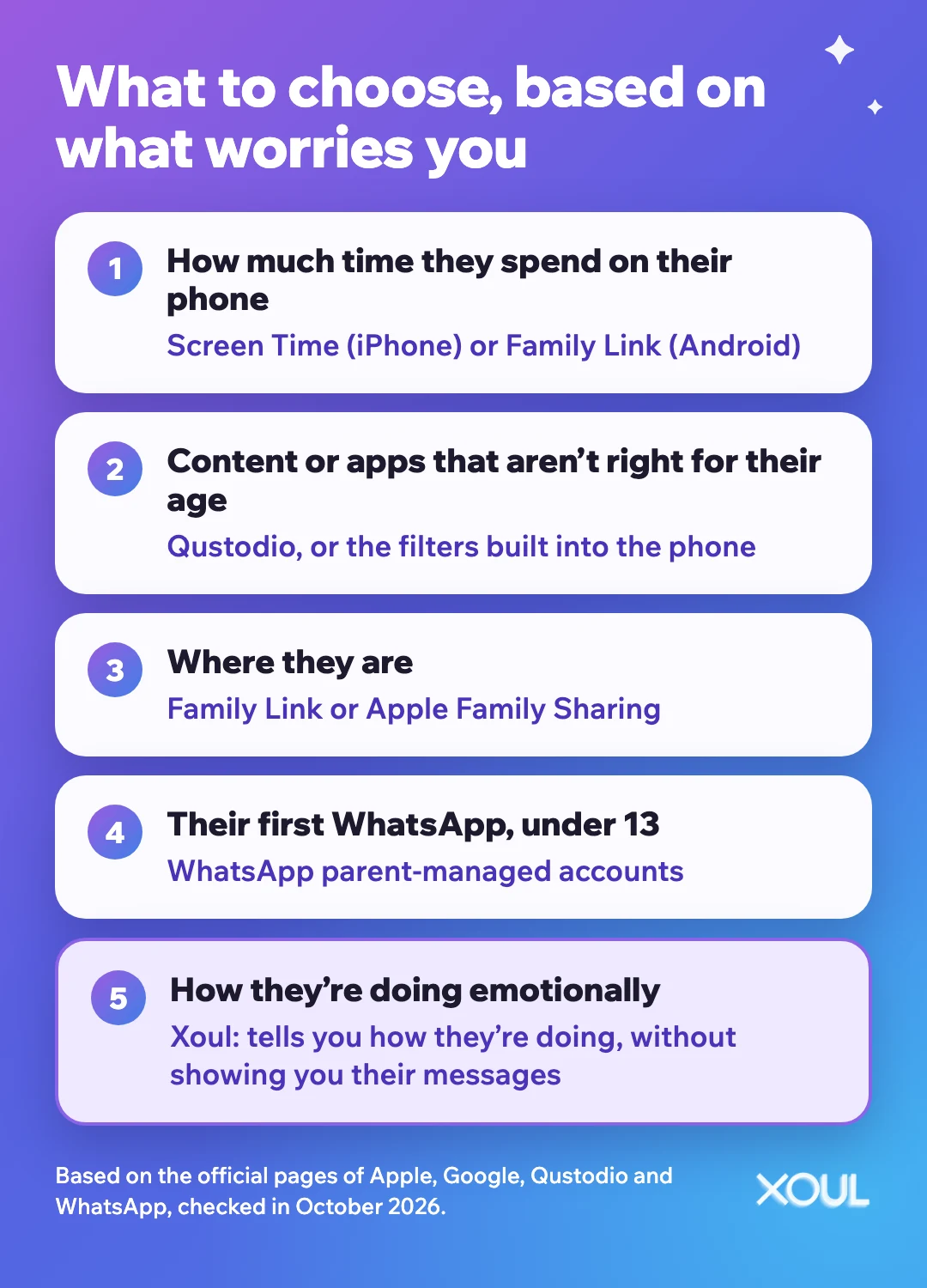
Start with the question, not the app. Each tool solves a different worry, and many families combine two: one from Apple or Google for time and apps, and another to understand what's going on in their conversations. This table sums up what to choose in each case, and why.
| What worries you | What to choose | Why |
|---|---|---|
| How much time they spend on their phone | Screen Time (iPhone) or Family Link (Android) | Free tools from Apple and Google, with schedules and per-app limits. |
| Content or apps that aren't right for their age | Qustodio, or the filters in Screen Time and Family Link | Qustodio filters the web and blocks apps across devices; it has a free version for one device. |
| Where they are | Family Link or Apple Family Sharing | Both share the phone's location with the family. |
| Their first WhatsApp, under 13 | WhatsApp parent-managed accounts | You decide who can message them and which groups they join. No one reads their messages, not even you. |
| How they're doing emotionally | Xoul | Tells you how they're doing based on their WhatsApp conversations, without showing you the messages. |
The big difference isn't the number of features, it's the approach. Screen Time, Family Link, Qustodio and Bark are control tools: they limit, block or monitor. WhatsApp parent-managed accounts set the app up safely from day one. Xoul is something else: support, to help you understand how your child is doing.
| Option | What it does | In WhatsApp |
|---|---|---|
| Screen Time (Apple, free) | Downtime, limits and age filters on iPhone | Limits time on the app |
| Family Link (Google, free) | Limits, app approval, filters and location on Android | Limits or blocks the app |
| Qustodio (has a free version) | Web filter, app blocking and location across devices | According to its website, monitors messages and sends alerts |
| Bark (paid; Australia, US, South Africa, not the UK) | Alerts, screen time and location | Scans messages; on iPhone, with Bark Sync |
| WhatsApp parent-managed accounts (in WhatsApp) | First WhatsApp under 13: contacts, groups and alerts | You don't read messages |
| Xoul (first report free) | Tells you how your child is doing emotionally | Never shows you the messages |
It depends a lot on the tool. Apple's and Google's tools control the app, not what's said in it. WhatsApp's family accounts decide who can message your child, but WhatsApp says no one, not even a parent, can read their messages. Bark says it scans messages to alert you, and Qustodio's Complete plan sends AI alerts about WhatsApp messages. Xoul doesn't show you any.

Apple's and Google's own tools. On iPhone, Screen Time lets you choose which apps they can use at different times of day, set limits by category and restrict content by age. On Android, Family Link sets per-app limits, can ask for your approval before new apps are installed and filters content in Chrome, Google Play, YouTube and Search. Both are free.
Two practical details. Screen Time is set up through Family Sharing: you need to be the family organiser or a parent or guardian in the group (Apple). Family Link supervises Android phones and Chromebooks, but not an iPhone or iPad; you can still manage it from your own iPhone if your child's phone is Android (Google).
For step-by-step help, see our guide to parental controls on iPhone and Android and our Google Family Link review.
If the phone's own filters aren't enough, Qustodio is the most complete option on this list. According to its website, it filters websites, blocks games and apps, sets a daily time limit and sends AI-powered alerts. It has a free version for one device and paid plans for more.
It makes most sense with several devices, or when your child is younger and you want strong filtering. As children get older, strict filters often do less to protect them than to tempt them to find a way around. We go into detail in our Qustodio review.
In Australia and the US, Bark is another option: according to its website, it monitors texts, email, social media and web activity, manages screen time and blocks websites and apps. It isn't available in the UK.
If location is all you need, you don't need a paid app. Family Link shows on a map where the phone is, as long as it's switched on, connected and recently used. On iPhone, Family Sharing lets you share your location with the rest of the family.
Qustodio also offers location, with alerts when they arrive at or leave a saved place, and Bark offers live GPS where it's available. It's worth agreeing on it together: knowing where they are is reassuring, but if it feels like surveillance, they may stop telling you where they're going.
They're WhatsApp accounts for children under 13 (or under the minimum age in your country) that a parent or guardian creates and links to their own account. The controls are built in and can't be switched off: by default only saved contacts can message them, you decide which groups they join and you get activity alerts. No one reads their messages, not even you.
WhatsApp announced them in March 2026. In most countries, you need to be 13 to have your own WhatsApp account; below that age, a child can only use it through one of these accounts, where they're available. In Australia, the under-16 social media minimum age doesn't apply to WhatsApp: eSafety lists it among the services that aren't age-restricted. The essentials, according to WhatsApp's Help Centre:
For teens aged 13 to 17 there's a separate option: parental controls for teens, announced in September 2026. They're optional, both of you have to agree to link your accounts, and they let you choose privacy settings and get alerts about groups and new contacts, again without access to messages. How to set up both: WhatsApp guide for parents.
Neither option tells you how your child is doing, and neither sets time limits. WhatsApp is also rolling them out gradually without saying in which countries, so they may not be available where you live yet.
None of the tools above answers the question many parents worry about most: are they OK? They can tell you how long your child spent on their phone or which app they opened, but not whether they're sad, have been left out of a group or are worried about something.
That's what Xoul is for: a parenting support app, not a control app. With your child's consent, you connect their own WhatsApp account with a QR code and get reports on their emotional wellbeing, Updates and a chat where you can ask Xoul questions. It doesn't show you their messages, it shows you how they're doing. Xoul works with their own WhatsApp account: parent-managed accounts don't support linked devices, so Xoul can't connect to them.
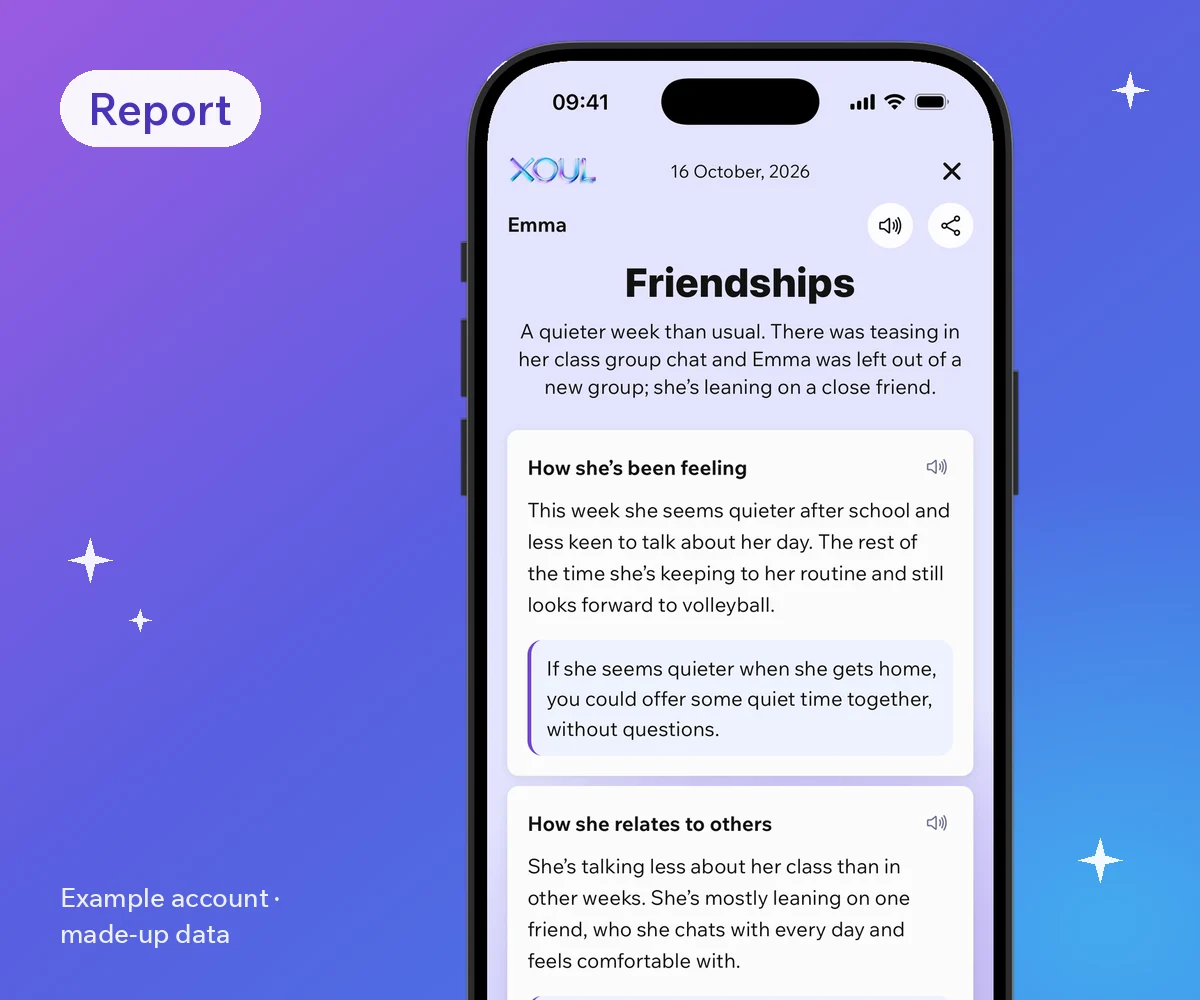
Anything relevant, like a change in mood or a falling-out with friends, may appear in the report or in Updates, with an idea for a conversation. Xoul analyses texts and voice notes, not images. Messages are deleted after the system analyses them, and information is encrypted in transit and at rest.
If you're wondering how that works without reading anything, we explain it in how to know how your child is doing without reading their messages.
Yes, because they cover different things: for example, Screen Time or Family Link for time and apps, and Xoul to understand how your child is doing. What doesn't help is piling on controls until the phone feels like a place where they're being watched. For a closer look at the different approaches, see Xoul vs Bark vs Qustodio.
Whatever you choose, how you introduce it matters as much as the tool:

Screen Time comes with every iPhone, and Family Link is a free Google app for Android. They cover screen time, apps, content and location. Qustodio has a free version for one device. With Xoul, the first report is free.
According to its website, Qustodio's Complete plan sends AI alerts about WhatsApp messages, with a snippet of the conversation and the contact; it isn't a log of every conversation. Xoul doesn't show you any messages: it tells you how your child is doing.
No. According to its website, the Bark app is available in the United States, South Africa and Australia.
No. Xoul doesn't block, limit or show you messages. It's a parenting support app: it helps you understand how your child is doing and gives you ideas for conversations. It can sit alongside Screen Time or Family Link.
If what you want is to know how your child is doing, try Xoul: your first report is free. Download Xoul.
XOUL gives you private reports with risks, emotions and important moments, always from a respectful approach.