
Updated 19 October 2026. We checked every feature against Google's official help pages that day.
The short answer:
Family Link is Google's tool for supervising a child's Google Account and device. The parent or carer installs the app on their own phone (Android or iPhone) and links it to their child's Google Account. Full supervision works on Android phones, Chromebooks and some watches, but not on iPhones or iPads.
The app is free and has no in-app purchases, according to its App Store listing. You can use Family Link to create a Google Account for a child under 13 (or the applicable age in your country) or add supervision to an account they already have. Google notes that Family Link may not be available in every country or region.
On Android, it handles the basics well: what gets installed, how long it's used and when. It's the simplest way to set up a first phone without paying anything.
We checked every feature against Google's official help pages on 19 October 2026. The key point: almost everything depends on your child's phone being an Android phone.
| Feature | On Android | On iPhone | Worth knowing |
|---|---|---|---|
| Approve Google Play downloads | Yes | No | Require approval for everything, paid content only, or nothing (Help) |
| Daily screen time limit | Yes (Android 7 and up) | No | Applies to each device separately (Help) |
| Downtime and School time | Yes (Android 7 and up) | No | Notifications go silent during School time (Help) |
| Block apps and see time spent per app | Yes | No | System apps can't have limits (Help) |
| Device location | Yes | No | Not shown if the phone is off or offline (Help) |
| Choose who they can call and text | Yes (Android 14 and up) | No | Phone calls and Google Messages only, not WhatsApp (Help) |
| Nudity warnings on images | Google Messages only | No | Blurred on the device; doesn't cover WhatsApp (Help) |
| Read messages or chats | No | No | No feature shows conversations |
Family Link manages the device, not the life that happens inside it. These are its main limits:
This is where many reviews get it wrong, including the previous version of this one. Today, when a supervised child turns 13 (or the applicable age in your country), Google emails both of you. Supervision stays the same, and until they turn 18 they need your approval to stop it, according to Google's help pages. You can stop supervision at any time.

Just because the tool allows it doesn't mean it works as well at 15 as it does at 9. With teenagers, what helps most is talking the rules through and reviewing them together: a limit your child understands gets respected more than one they simply put up with.
In WhatsApp, Family Link sees the same as in any other app: whether it's installed, how long it's used and when it can be opened. It sees nothing of what happens inside. It doesn't know who your child is talking to, which groups they're in or what's being said.

| With Family Link you can… | Family Link can't… |
|---|---|
| Approve or block the WhatsApp download from Google Play | Read chats, see photos or play voice notes |
| Set a time limit on WhatsApp or block it | See WhatsApp contacts or groups |
| Keep WhatsApp off during Downtime or School time | Limit who they chat with on WhatsApp: managed contacts only cover calls and texts |
| See how long they spent on WhatsApp each day | Warn about sensitive images in WhatsApp: that feature is Google Messages only |
| — | Do any of this if they have an iPhone |
Google spells it out in its help page on contacts: if your child has apps like WhatsApp, they can still call and message numbers that aren't on the list you set up. What you can do is limit or block the app.
Filling the gap: WhatsApp's own family tools. In 2026, WhatsApp partly filled the gap that Family Link leaves inside the app, with two separate options:
Either way, nobody can read the messages: not you and not WhatsApp, according to WhatsApp's Help. WhatsApp's Help doesn't mention time limits: for that you still have Family Link (on Android) and Screen Time (on iPhone). WhatsApp says both features are rolling out gradually and may not be available in your country yet. When the child turns 13, a parent-managed account becomes a regular account and the controls end.
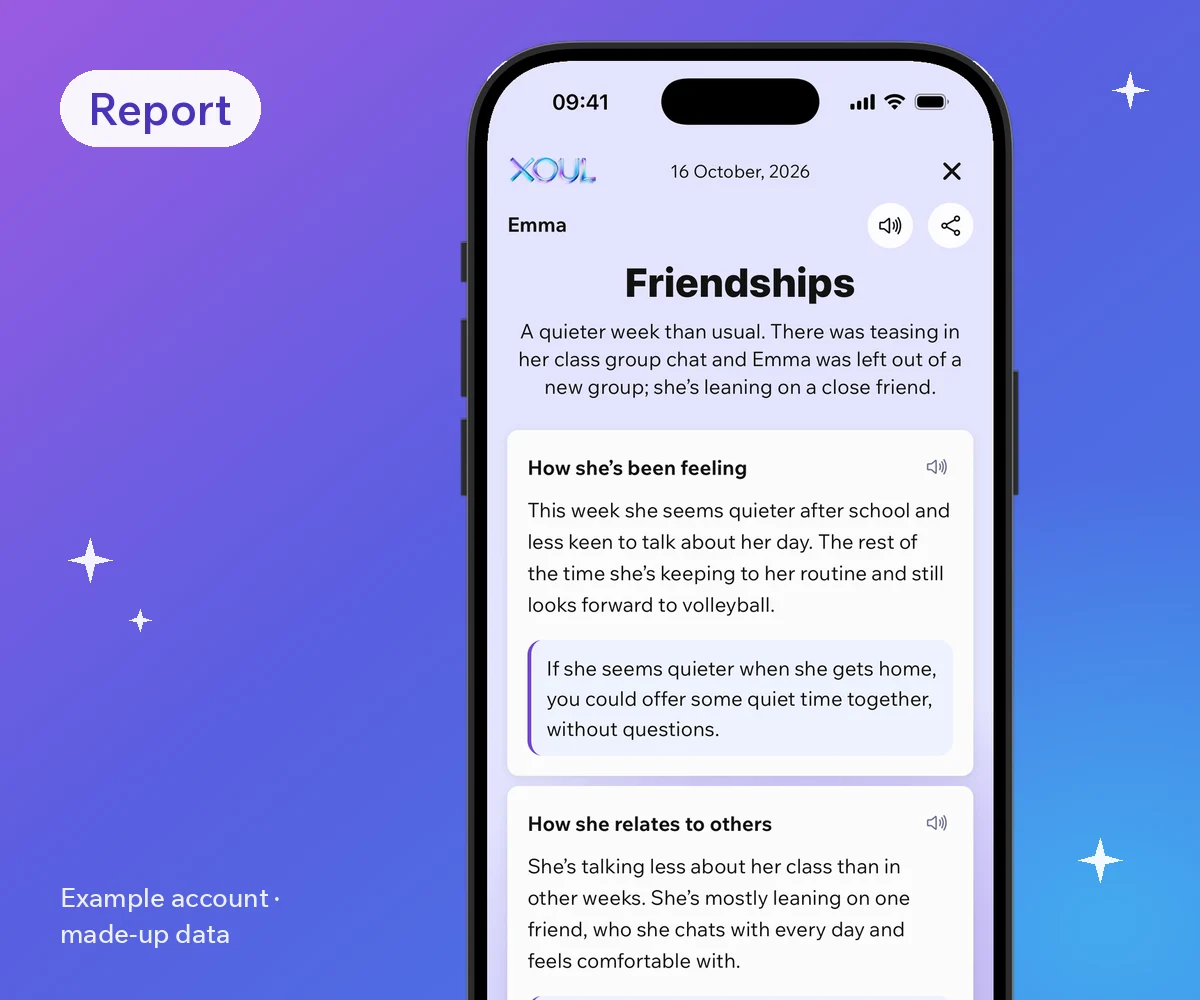
What none of them tells you is how your child is doing. Neither Family Link nor WhatsApp's tools will tell you if your child is feeling low, has been left out of a group or is happy about a new friend. That's where Xoul comes in, if your child has their own WhatsApp account: with their consent, it connects to their WhatsApp with a QR code and sends you a report on how they're doing, their friendships and what's on their mind. It doesn't show you their messages; it shows you how they're doing. (Parent-managed accounts don't support linked devices, so Xoul can't connect to them.) Find out more in our guide on how to know how your child is doing without reading their messages.
It's best for setting up phone use in the early years: when your child gets their first Android and isn't yet managing apps and time on their own. With teenagers it's still handy for schedules, but it doesn't answer the question many parents care about most: how they're doing.
| Your situation | Is Family Link enough? |
|---|---|
| Up to 12, Android phone, you want to decide which apps and how long | Yes, it's a very good base |
| They have an iPhone | No: use Apple's Screen Time |
| You're worried about who they talk to on WhatsApp | No: add WhatsApp's tools (parent-managed account before 13, teen controls from 13 to 17) |
| You want to understand how they're doing | No: Family Link says nothing about that; that's where Xoul helps |
| You want to read their messages | Family Link doesn't do this, and it's not what we recommend: read is it legal to check your child's WhatsApp? |

Family Link decides which apps and how much time; Xoul tells you how your child is doing. They're different tools and you can use them together. Family Link sets the boundaries on the device. Xoul helps you understand what those boundaries can't show, on iPhone and Android alike, because it connects to your child's WhatsApp rather than to the phone's operating system.
The tool works best when it supports a conversation, not when it replaces one. A few ideas:
On that last point, every Xoul report comes with an idea for a conversation, based on what your child is going through that week. Anything sensitive may show up in the report or in Updates, with a suggestion for how to bring it up without pushing.
If you're not sure how to raise it at home, we have a guide on how to talk to your child about Xoul. And if you're comparing options, see our Qustodio review too.
Yes. The app is free with no in-app purchases, according to its official App Store listing, and there's no subscription.
You can use the parent app on an iPhone. But if your child's phone is an iPhone, most features aren't available: no screen time limits, app blocking or location. For that, use Apple's Screen Time.
No. It only shows how long WhatsApp is used and lets you limit or block it. It doesn't show chats, contacts or groups.
Not on their own. When they turn 13 (or the applicable age in your country), Google lets you both know, but until they're 18 they need your approval to stop supervision.
Yes, as long as your child has their own WhatsApp account (parent-managed accounts don't support linked devices, so Xoul can't connect to them). Family Link manages the device and Xoul tells you how your child is doing based on their WhatsApp, with their consent and without showing you their messages. They complement each other.
Family Link helps with the when and the how much. To understand how your child is doing, try Xoul: the first report is free.
XOUL gives you private reports with risks, emotions and important moments, always from a respectful approach.