Updated 19 October 2026. Features and platforms checked that day on Qustodio's official website.

The short answer
Qustodio is a parental control app from a company based in Barcelona, with an office in the US. You install it on your child's devices and, from your dashboard, set the rules: how much screen time, which apps and websites are blocked and at what times. In return, you get activity reports and alerts.
It comes in three versions: a free version for a single device with basic features, the Basic plan (up to five devices) and the Complete plan (unlimited devices and advanced features). We don't quote prices because they change often: check Qustodio's plans page.
What it does best is managing screens. It's one of the most complete tools for setting time limits, creating routines for homework or bedtime, blocking apps and filtering websites, and it works the same way on almost every system in a household. For younger children just starting out with devices, it's a solid foundation.
According to its website, Qustodio's Complete plan sends AI alerts about WhatsApp messages, with a snippet of the conversation and the contact; it isn't a log of every conversation. Its AI flags a message your child sends or receives when it touches on a worrying topic, such as bullying or self-harm.

WhatsApp also has its own tools for families: parent-managed accounts for under-13s and optional parental controls for teens aged 13 to 17, which parent and teen both have to accept. Neither lets parents read messages, and both are rolling out gradually, so they may not be available where you live yet. In Australia, the under-16 social media minimum age doesn't cover WhatsApp, according to eSafety. We compare them with Xoul in Xoul vs WhatsApp parental controls.
Many reviews still say Qustodio can't see anything on WhatsApp. Its current website says otherwise for the Complete plan, so it's worth testing it on your child's actual phone before you decide. And if what you're after isn't an alert with a snippet of the chat but a sense of how your child is doing, read on to see what Xoul does, without showing any messages.
The free version covers one device with the basics. Basic adds up to five devices with web filtering, daily limits and location. The monitoring features (AI alerts, WhatsApp, calls and texts, YouTube) are only on Complete. This table sums up what Qustodio publishes, checked on 19 October 2026.
| Feature | Where it works | Basic | Complete |
|---|---|---|---|
| Web filtering and Safe Search | All devices | Yes | Yes |
| App and game blocking | All devices | Yes | Yes, also by category |
| Daily time limit and pausing the internet | All devices | Yes | Yes |
| Per-app limits and custom routines | All devices | No | Yes |
| Location | Android and iPhone | Yes | Yes, with saved-place alerts |
| 30-day activity reports | All devices | Yes | Yes |
| YouTube monitoring | All except Kindle | No | Yes |
| Calls and texts | Android and iPhone (iPhone needs a computer) | No | Yes |
| AI alerts on searches and messages | All devices | No | Yes |
| WhatsApp alerts | Android and iPhone | No | Yes |
| Instagram, TikTok, Snapchat and X alerts | Android | No | Yes |
| Panic button | Android | Yes | Yes |
| Devices | — | Up to 5 | Unlimited |
Source: Qustodio's features and plans pages, checked on 19 October 2026. Qustodio updates its features and plans often, so confirm them before you pay.
Its limits come from its approach: it's designed to set rules and send alerts. That works well with younger children, but with teenagers rules alone often aren't enough, and the most useful features for that age are on the top plan and, on iPhone, take extra steps.
Qustodio is a good fit if your children are up to 12 or 13, use several devices and what you want is to manage screens. It's less of a fit if your child is a teenager and what worries you is how they're doing on WhatsApp, rather than how long they use it or which websites they visit.

It's a good option if:
It's worth looking elsewhere if:
If you're weighing up other options, we compare six apps in best parental control apps 2026, review Google Family Link and put Xoul, Bark and Qustodio side by side.
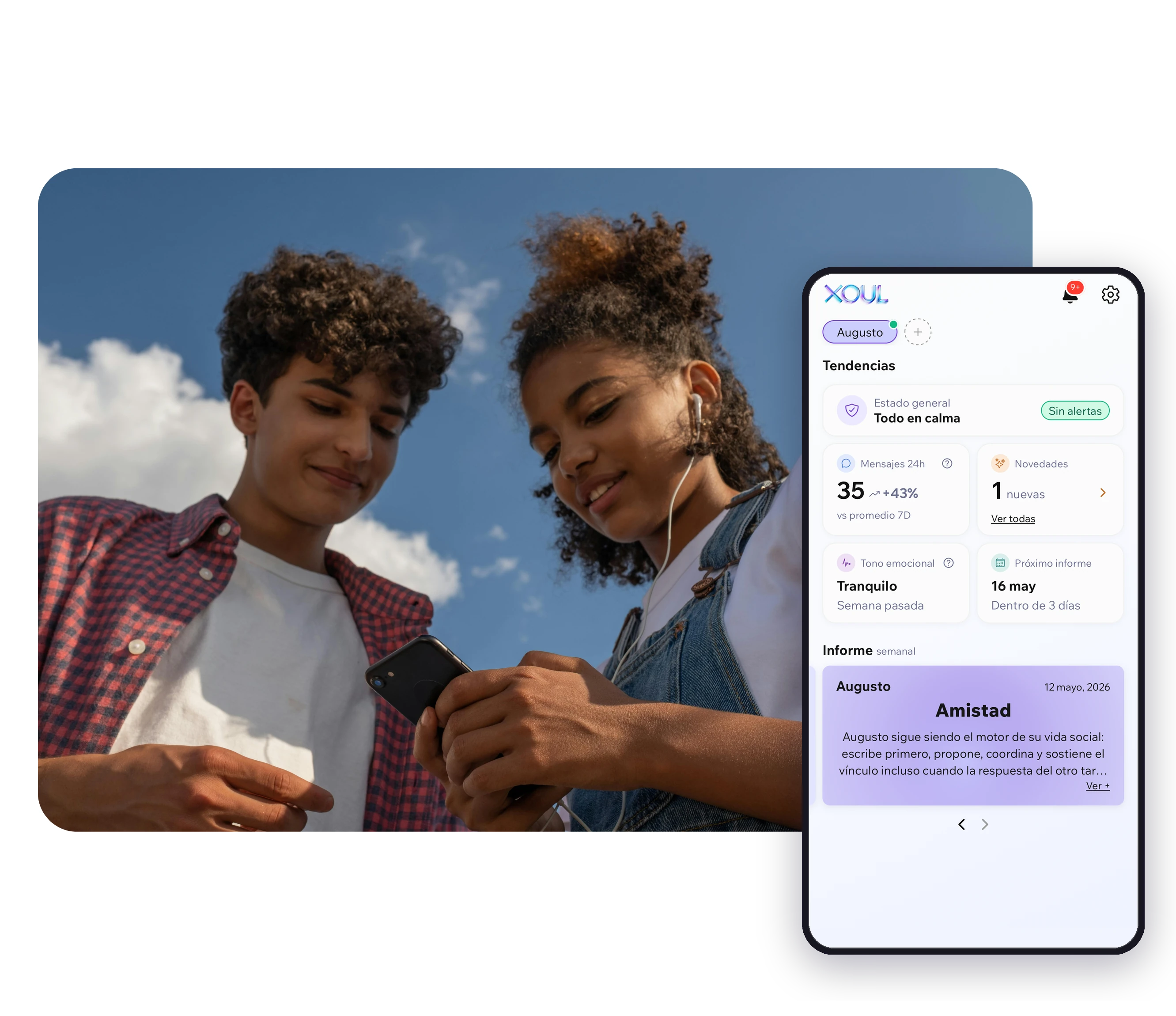
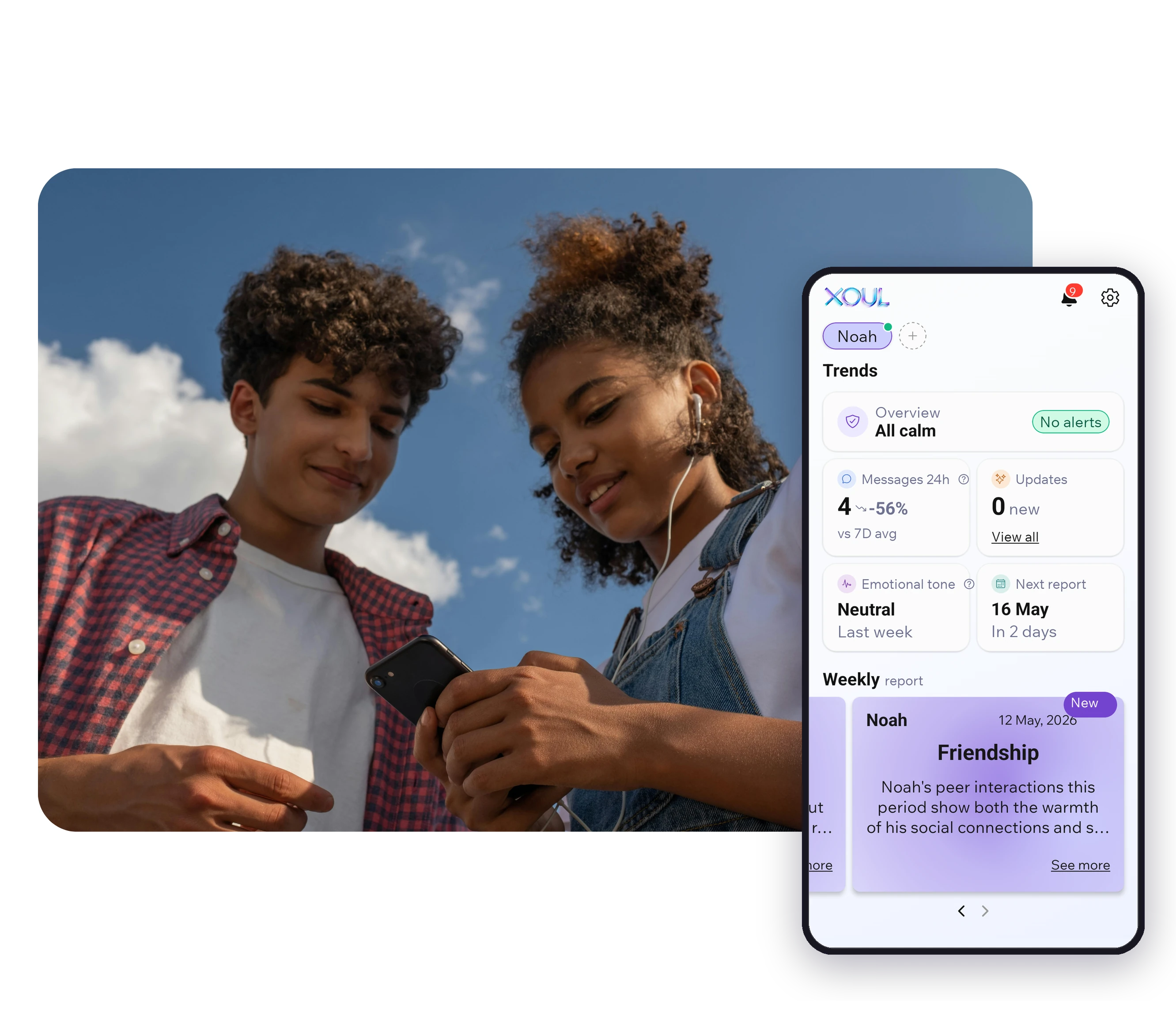
The question changes. Qustodio answers "what are they doing and for how long"; Xoul, a parental support app, answers "how are they doing". With your child's consent, Xoul analyses their WhatsApp conversations and sends you reports on their emotional wellbeing: their mood, their friendships and what's on their mind, with an idea for a conversation.
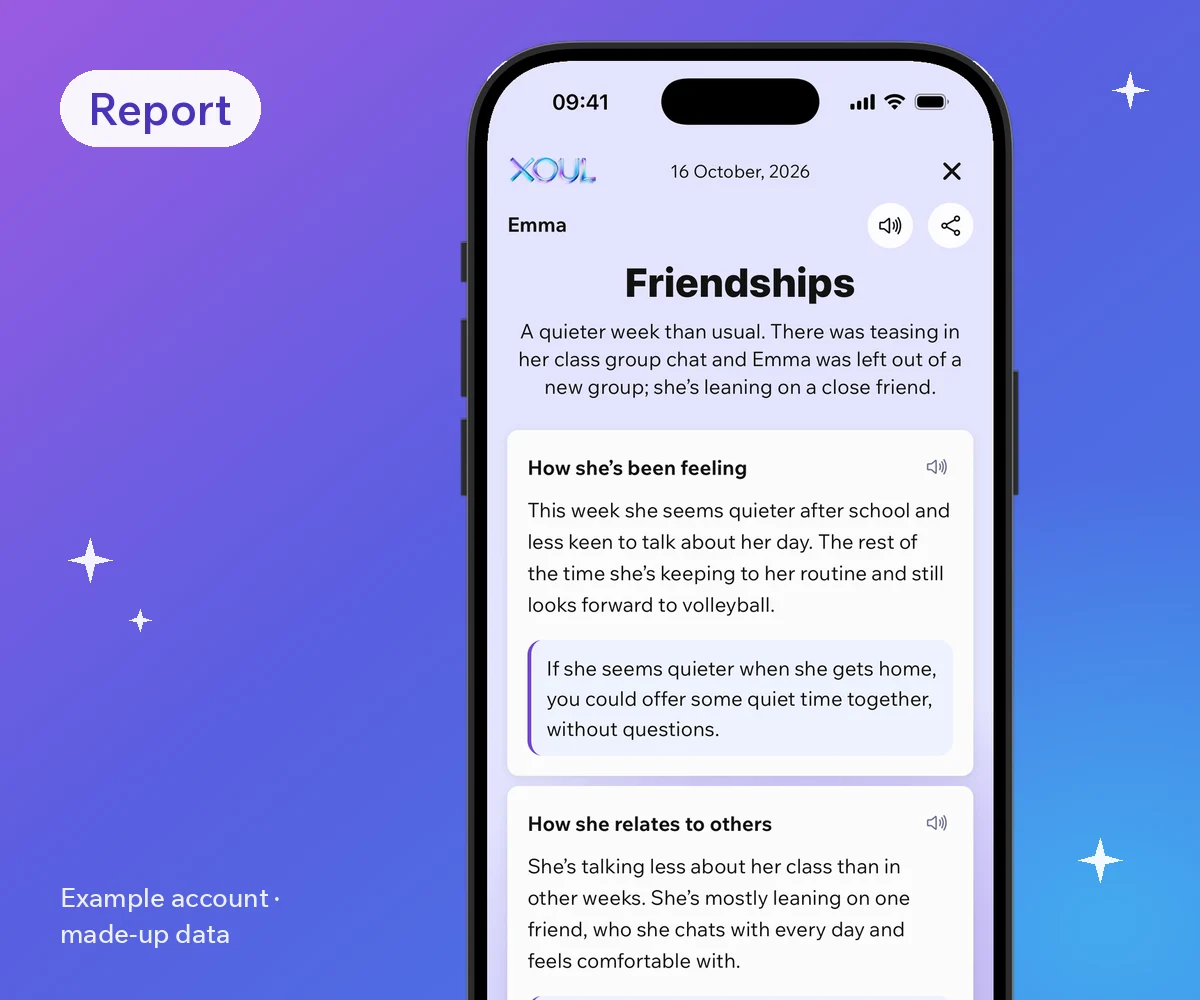
Xoul doesn't limit screen time or block apps, and it doesn't try to: if that's what you need, Qustodio or your phone's built-in controls do it well. The two can work side by side: clear screen-time rules on one hand, and a sense of how your child is doing on the other. The first report is free.
Yes. Xoul doesn't show you their messages or snippets of chats: it shows you how they're doing. Anything relevant may appear in the report or in Updates, labelled "Attention" when something needs care, and always with a suggestion for how to support them. It isn't an instant alert: it's a picture with context. Here's how it works:
To find out more, read can you know how your child is doing without reading their messages?
Whichever tool you choose, tell your child beforehand what you'll use, why, and what you'll be able to see. With Qustodio, that means explaining the rules and that you may get alerts with snippets of their chats. With Xoul, the conversation is part of the process: it won't connect without their consent.
We have a step-by-step guide on how to talk to your child about Xoul.
According to its website, Qustodio's Complete plan sends AI alerts about WhatsApp messages, with a snippet of the conversation and the contact; it isn't a log of every conversation. It works on Android and iPhone; on iPhone, it's set up from a computer.
There's a free version for one device with basic features. WhatsApp alerts, calls and texts and YouTube monitoring are on the Complete plan. Prices change, so check its website.
Yes, on iOS 15 and later. Web filtering, app blocking, limits and location work on iPhone; calls, messages and WhatsApp alerts have to be set up from a Windows or Mac computer.
It depends on what worries you. For managing screens, Google Family Link or your phone's built-in controls. If you want to know how your child is doing on WhatsApp without reading their messages, Xoul takes a supportive, wellbeing-first approach, with their consent.
They can work side by side because they do different things: Qustodio sets limits and filters content on the device; Xoul sends you reports on how your child is doing based on their WhatsApp, without showing you their messages. Xoul needs your child to have their own WhatsApp account: parent-managed accounts don't support linked devices, so Xoul can't connect to them.
Want to know how your child is doing without reading their messages? Xoul's first report is free. Download Xoul
Sources (accessed 19 October 2026)
XOUL gives you private reports with risks, emotions and important moments, always from a respectful approach.