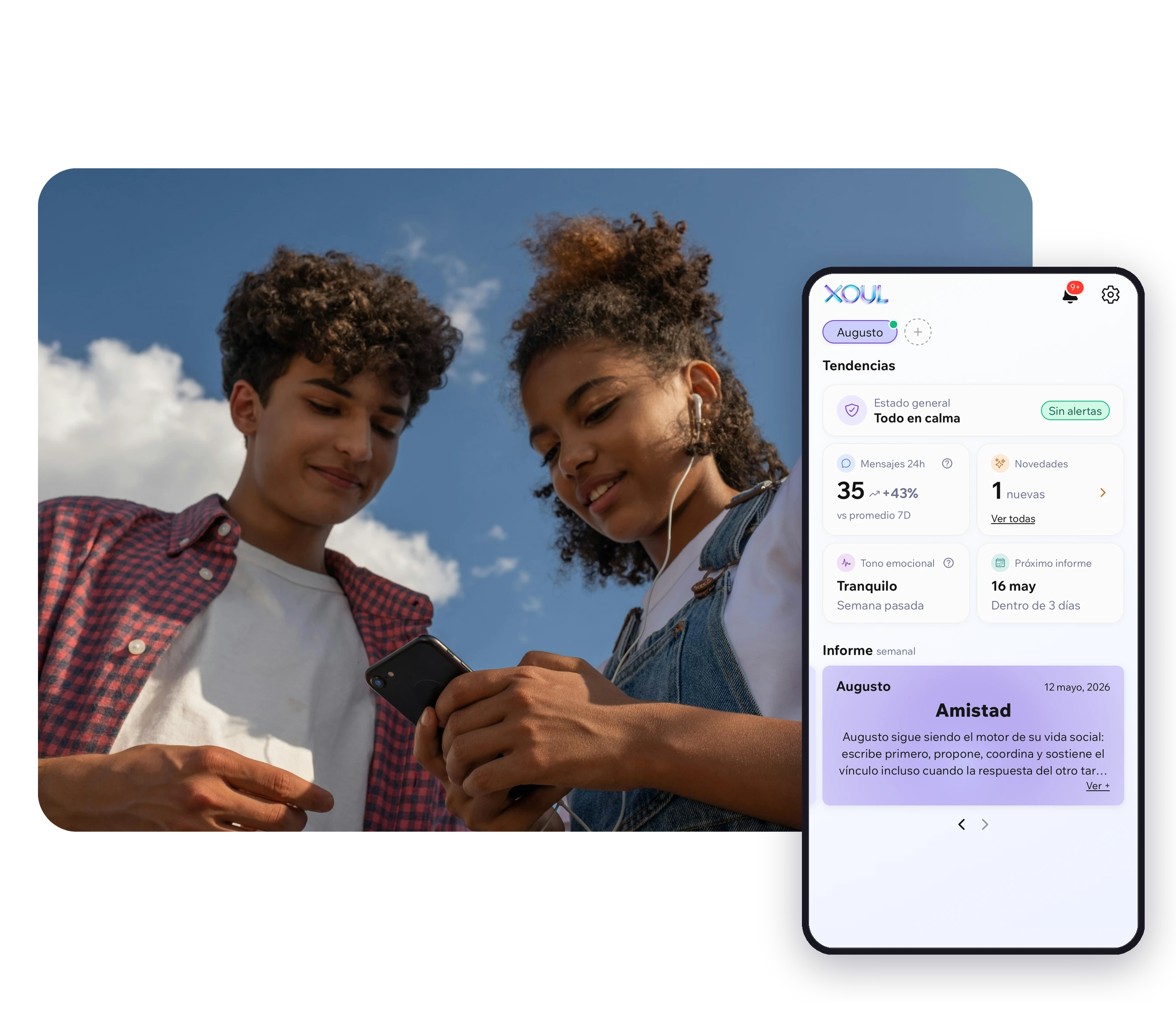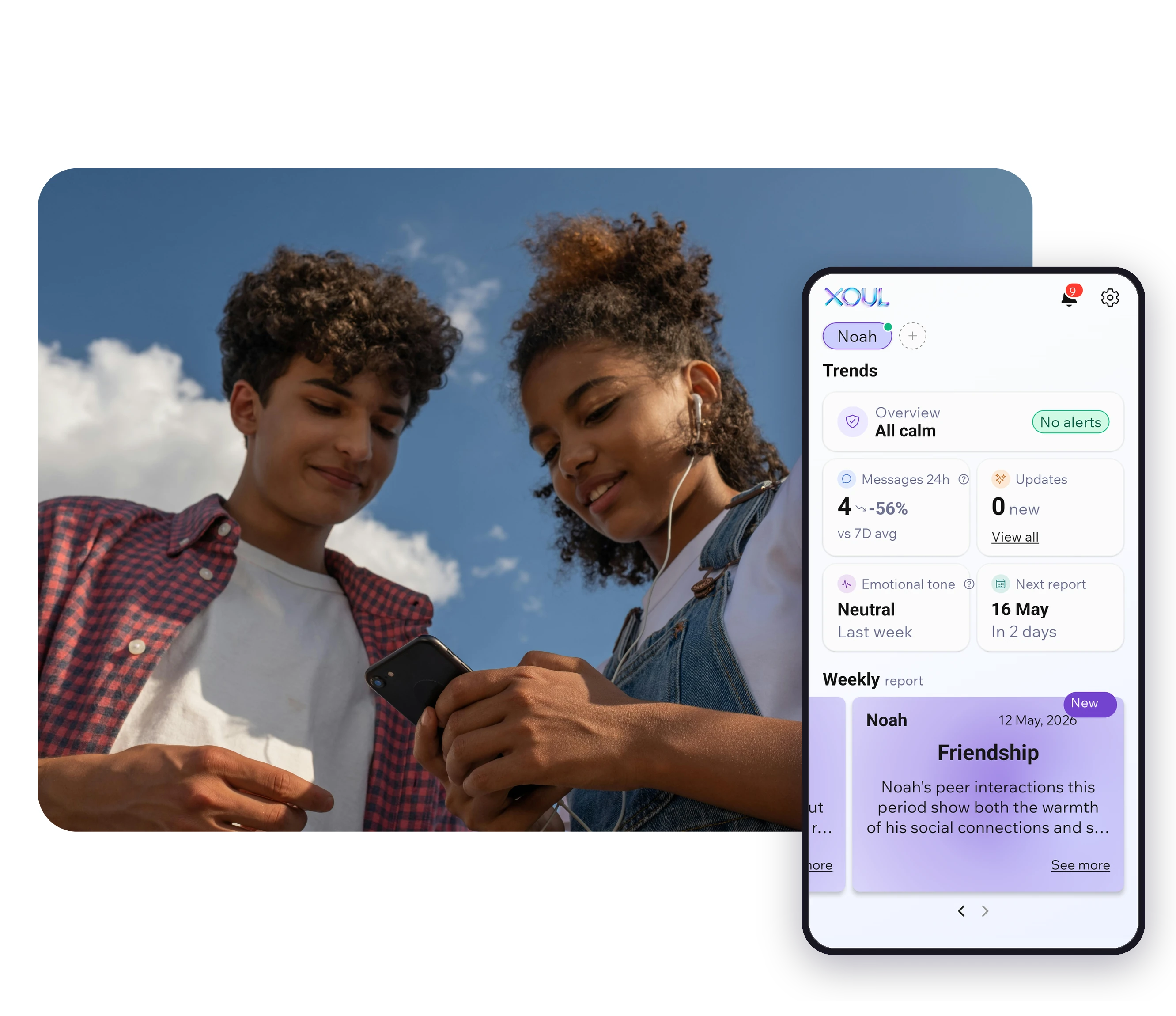

If you've landed here searching for how to see your child's WhatsApp, something is probably worrying you. A change in mood, a new group chat, someone messaging them you don't know, or simply that they've stopped telling you things. It's a fair worry, and it deserves an honest answer.
The short answer: yes, technically there are ways to see their chats. But each one shows you something different, comes with different costs, and not all of them help with what you really want to know, which is usually how they're doing. This guide walks through the six options that exist, what each one shows and which one protects both their safety and your relationship.
In short:
Yes. You can check their phone, link their account to another screen with WhatsApp Web, or install a spy app. All three let you read their messages; none of them tells you how they feel. Parental control tools and WhatsApp's own family controls don't show chats. And some tools tell you how your child is doing without showing a single message. If they're just starting out, our WhatsApp guide for parents covers what to decide first.
Before you choose, it's worth asking yourself: what do I actually need to know? If it's who they're talking to, there are tools for that. If it's whether they're OK, reading hundreds of messages rarely answers it. In the signals Xoul picks up from families who use it, for every bullying signal there are 63 signals of everyday conflict between peers: arguments, misunderstandings, falling-outs that blow over. Read message by message, everything looks serious. Seen over weeks, what really matters stands out.
| Method | What it shows you | What it doesn't show you | Does your child know? |
|---|---|---|---|
| Checking their phone | Whatever is on the phone at that moment | What they deleted before, and how they feel | Yes, if you do it together. Not if it's secret, but they usually find out |
| WhatsApp Web or linked devices | Their chats on another screen, as they arrive | How they feel, or the context | You need their phone to scan the QR code, and it stays in their linked devices list |
| Spy apps | Depending on the app: messages, screenshots, location | How they feel | They're built so your child doesn't know |
| Family Link or Screen Time | Time spent on WhatsApp, time limits, downtime, app approvals | Any messages | Yes, their phone shows it's supervised |
| WhatsApp parent-managed accounts and parental controls | Who they talk to: contacts, message requests and groups | Any messages or calls | Yes: set up with both phones and, for teens, both of you have to agree |
| Xoul | How they're doing: mood, friendships and worries, in reports and Updates | Any messages or images | Yes, it needs their consent |

Checking the phone together, with clear rules, can make sense with younger children, especially in the first months with a phone. It works best as a known agreement ("we look at it together on Sundays") rather than a surprise inspection.
Doing it in secret is a different story. It gives you a snapshot, not the full picture, and when they find out (and they often do), what many teenagers learn is to delete, switch apps or stop telling you things. Parenting research has shown this for years: much of what parents know about their children's lives comes from what children choose to tell them, not from monitoring (Stattin and Kerr, Child Development).
WhatsApp lets one account be used on up to four linked devices, such as a laptop or a tablet (WhatsApp Help Center). To link one, you need your child's phone (to scan a QR code or use their number), and every device stays in the Linked devices list in their WhatsApp.
So it isn't invisible: sooner or later they'll see it. And even with their permission, reading their conversations as they arrive puts you in an awkward spot. You see everything, including their friends' chats (and those friends never agreed to you reading them), but you still don't know how your child feels.
Spy apps (sometimes called stalkerware) are installed on a child's phone to secretly copy their messages, screenshots or location and send them to the company's servers. They come with three serious problems:
The UN Committee on the Rights of the Child also says that monitoring children's digital activity should be proportionate to their age and maturity, and shouldn't happen without their knowledge (General Comment No. 25).
Google Family Link (Android) and Screen Time (iPhone) don't show WhatsApp messages. They do something else: show how long your child spends in each app, set limits and downtime, and, on Android, approve or block the apps they install.
They're useful for protecting sleep or homework time. They can't tell you whether your child is sad, has been left out of a group or is worried about something. We go into detail in our Family Link review.
They're accounts for under-13s (or under the minimum age where you live) that WhatsApp started rolling out gradually in March 2026, so they may not be available in your country yet (WhatsApp). An adult creates the account, both phones are set up together with a QR code, and the settings are protected by a six-digit parent PIN.
With them, you decide who your child talks to: by default only saved contacts can message them, messages from strangers go to a requests folder that needs the PIN and, also by default, only the parent or carer can add the account to groups. You also get an alert whenever they add, block or report a contact. What they don't do is let you read messages or listen to calls: according to WhatsApp, these stay end-to-end encrypted. They also don't include Status, Channels or Meta AI, and they don't support linked devices, so Xoul can't connect to them.
For teens aged 13 to 17, WhatsApp began rolling out optional parental controls, also gradually, in September 2026: the parent and the teen both have to agree to link their accounts, and the controls cover privacy settings and alerts about groups and new contacts. They don't give access to messages either.
For a 10- or 11-year-old getting their first phone, a parent-managed account is a good starting point. Both options help decide who they talk to, but neither shows how they feel.
In Australia, WhatsApp isn't covered by the under-16 social media minimum age, and WhatsApp's own minimum age of 13 still applies (eSafety Commissioner). For when each WhatsApp tool is enough and when to add Xoul, see Xoul vs WhatsApp parental controls.
Yes. That's what Xoul does. It's a parental support app that connects to your child's WhatsApp with a QR code, with their consent, and instead of showing you conversations it gives you reports on their wellbeing: how they're feeling, how things are going with friends and what's on their mind, with an idea for a conversation in each report. Trends shows how things change over time.
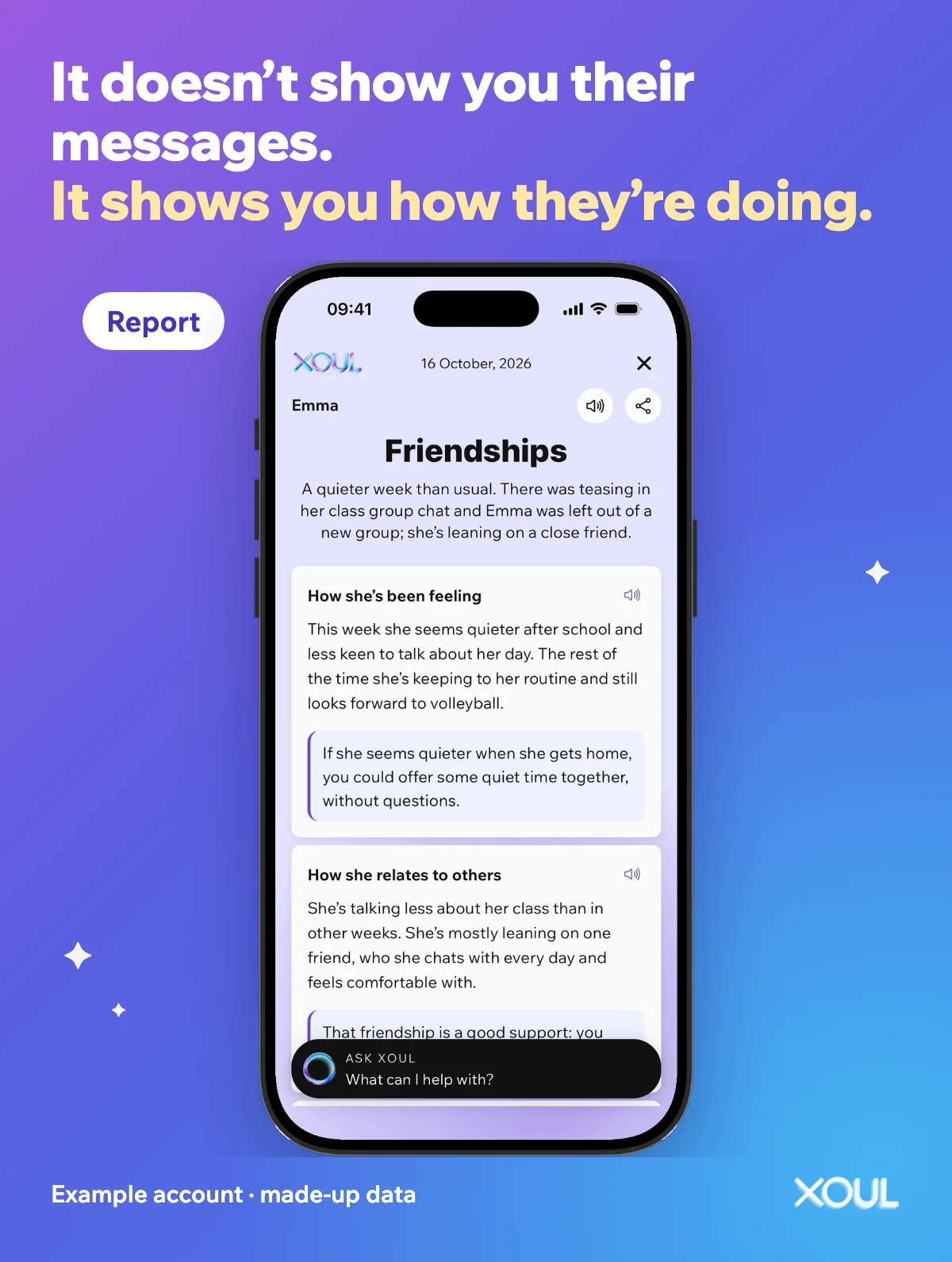
This is what a report looks like in the app. Example account with made-up data.
Xoul doesn't show you their messages: it shows you how they're doing. No one in the family reads the chats. The system analyses the text and voice notes in conversations (not images), generates signals and deletes the messages once the signals have been generated. Information is encrypted in transit and in storage. Xoul's team includes psychology professionals. If something deserves attention, it may appear in the report or in Updates (where it's labelled "Attention").
The difference from the other methods isn't just technical. Your child knows Xoul is there and, if you've explained it, what you see and what you don't. And no one in the family reads what their friends write. If you'd like the detail, we explain it in does Xoul spy on my child?
Because any tool used in secret ends up competing with trust, and trust is what makes your child tell you the important things. Asking for their agreement isn't a formality: it's your first conversation about how you'll look out for each other online.
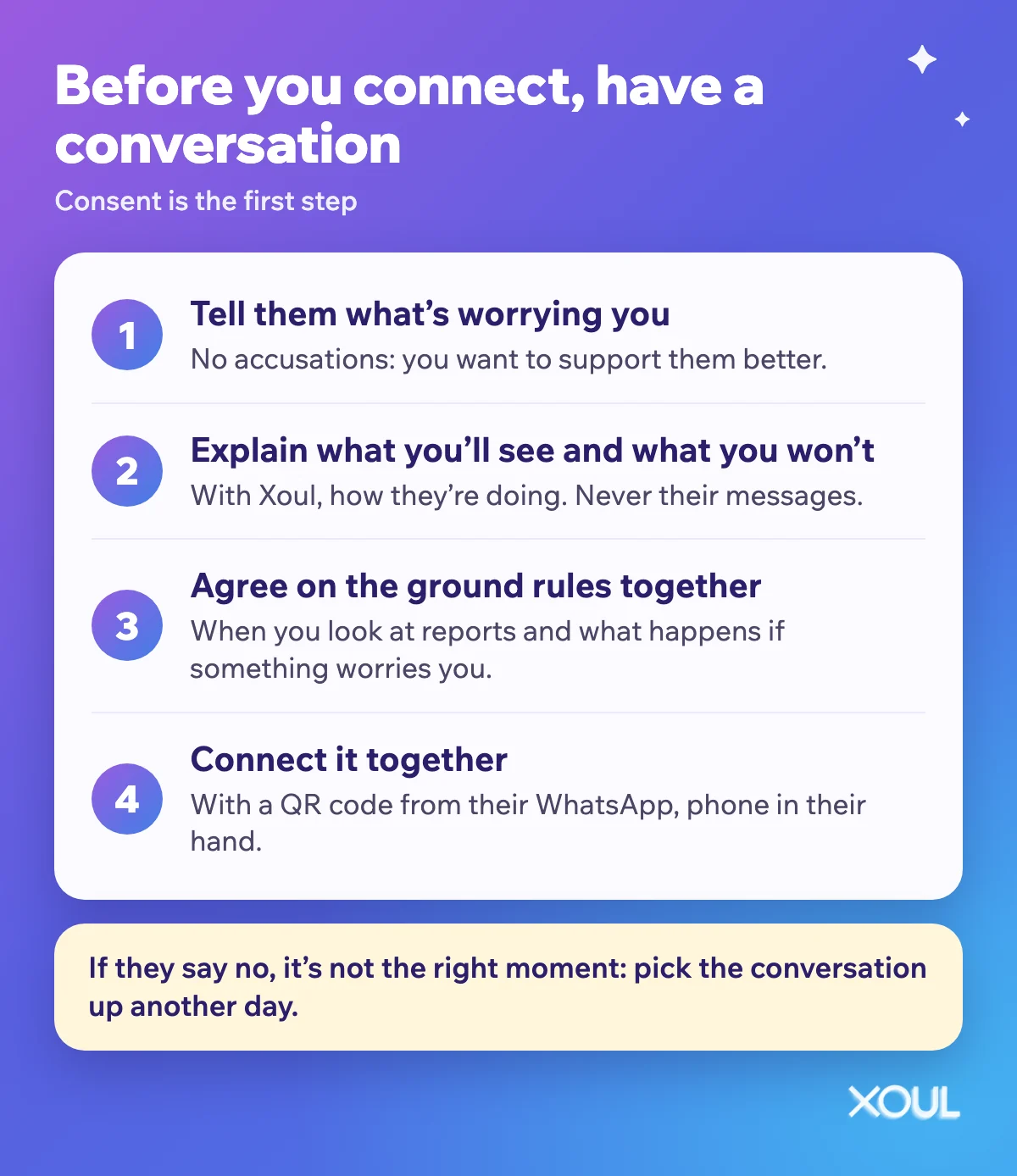
You'll find ideas and phrases for this conversation in how to talk to your child about Xoul, and for the rest of your family's digital agreements, in how to create family technology agreements.
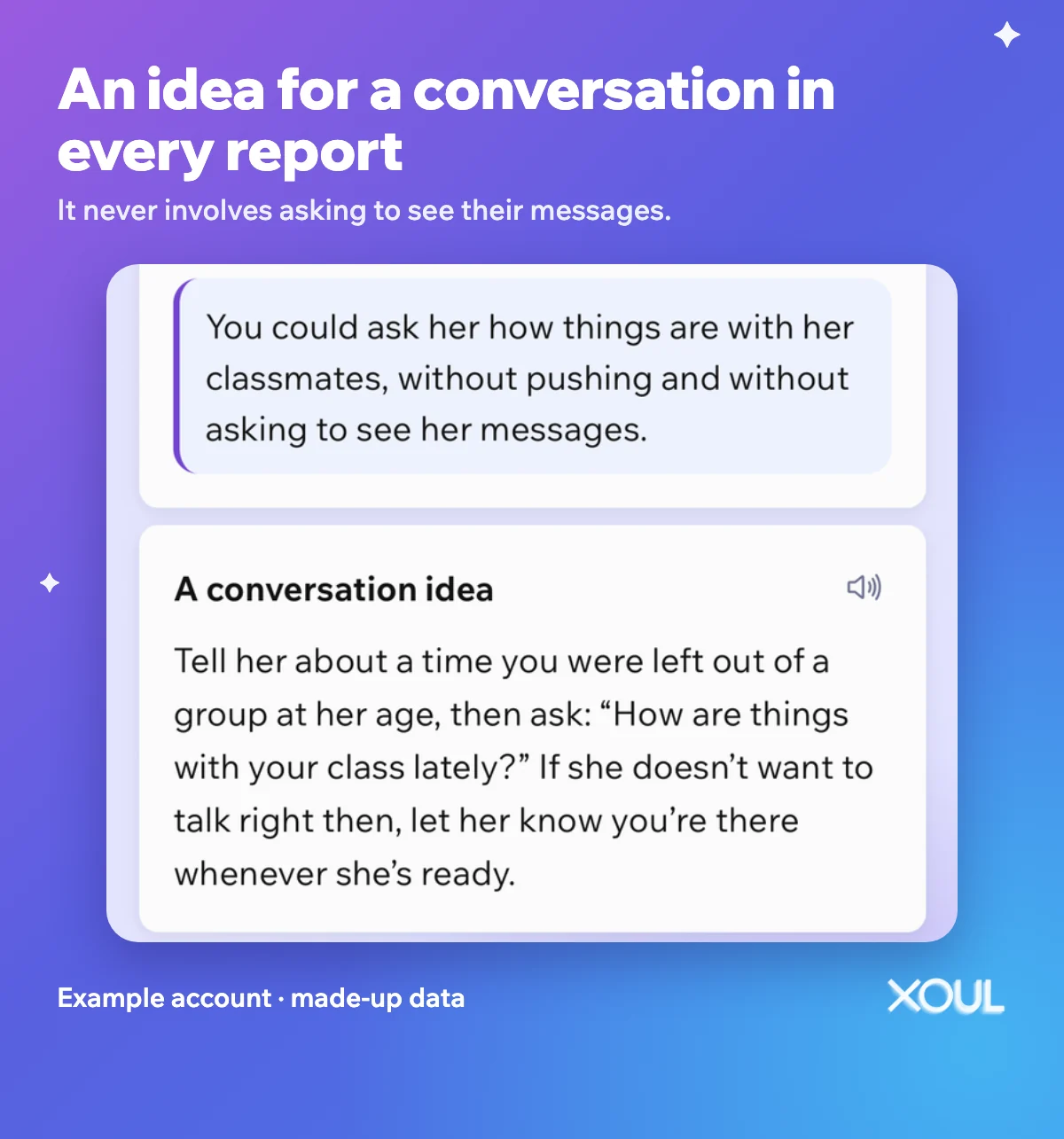
In the report, the conversation tip never involves asking them to show you their messages. Example account with made-up data.
You know your child better than anyone, but as a rough guide:
Lots of parents have, usually out of fear. If they found out (or if it's weighing on you), it's often best to be honest: what worried you, why you did it and what you'd like to do differently from now on. Owning it teaches them something valuable: that in your home, mistakes get talked about. From there, it's easier to agree on a way of staying close that doesn't involve their messages.
Technically, with spy apps, but we don't recommend it: it exposes their data to third parties, can have legal consequences depending on where you live and, when they find out, damages trust. If something specific is worrying you, it's better to talk about it and choose a tool together that they know about.
No. Family Link shows how long your child uses WhatsApp and lets you set limits and approve apps, but it doesn't give you access to messages. Screen Time on iPhone doesn't either.
No. Xoul doesn't show you messages or images. It gives you reports and Updates on how they're doing, where anything that deserves your attention may appear. Messages are deleted after the system generates its signals.
Yes. Consent is a requirement, and Xoul is connected with a QR code from their own WhatsApp. We suggest talking it through calmly first.
A parent-managed account is how an under-13 can have WhatsApp: you decide who they talk to and you don't see their messages. Xoul doesn't show messages either: with your child's consent, it tells you how they're doing.
If what you want is to know how your child is doing, you don't need to read their messages. Download Xoul, talk to your child and connect it together: the first report is free.
Updated 19 October 2026. Xoul data: signals detected in WhatsApp conversations of families using Xoul, August and September 2026 (n = 805 bullying signals and 50,675 peer-conflict signals).
XOUL gives you private reports with risks, emotions and important moments, always from a respectful approach.