
Short answer: ChatGPT parental controls let you link your account to your teen's (ages 13 to 17) so you can block certain hours, turn off voice or image generation, keep sensitive-content safeguards on and get safety notifications in serious cases. They don't let you read their conversations or chat history. You set them up in Settings > Parental controls, and your teen has to accept the invitation.
Updated 19 October 2026. Checked that day against OpenAI's Help Center. OpenAI updates these features often: if something on screen doesn't match, go with the official help page.
In short:
Once your accounts are linked, you can manage around a dozen settings. The most useful for families are Quiet hours (times when ChatGPT can't be used), Reduce sensitive content (on by default) and the option to switch off Voice Mode or Image generation. Your teen can see these settings but can't change them.
| Setting | What it does | Default |
|---|---|---|
| Quiet hours | Blocks ChatGPT during the times you choose (you can add more than one block) | Off |
| Reduce sensitive content | Reduces graphic content, viral challenges, sexual, romantic or violent roleplay and extreme beauty ideals | On |
| Voice Mode | Allows or blocks voice conversations | On |
| Image generation | Allows or blocks creating and editing images | On |
| Study mode | New chats start by guiding step by step instead of giving the answer | Off |
| Study hours | Schedules when new chats start in study mode (doesn't block access) | Off |
| Reference saved memories | Whether ChatGPT uses saved memories to personalise replies | On where available |
| Improve the model for everyone | Whether their conversations can be used to improve the models | On |
| Health | Whether your teen can use Health in ChatGPT and connect health data | On where available |
| Codex network access and Cloud browser | Whether ChatGPT Work can connect to online services and browse websites | On |
| Safety notifications | Alerts you in serious cases, without sharing the conversation | On |
Source: Managing parental controls in ChatGPT, OpenAI. Checked 19 Oct 2026.
Two things that trip families up: study hours don't block anything (they only change how new chats start), so to stop use you need quiet hours. And some changes don't apply straight away: they may only affect new conversations.

You can't see their conversations, their chat history or what they're doing in real time. OpenAI is clear about it: even its support team can't give you a transcript. Safety notifications only describe the type of concern, and OpenAI says they "are not real-time monitoring".
That's a sound design choice: a teen who knows nobody reads their chats has less reason to open an account you don't know about. But it leaves one question open: how do you know how they're doing?
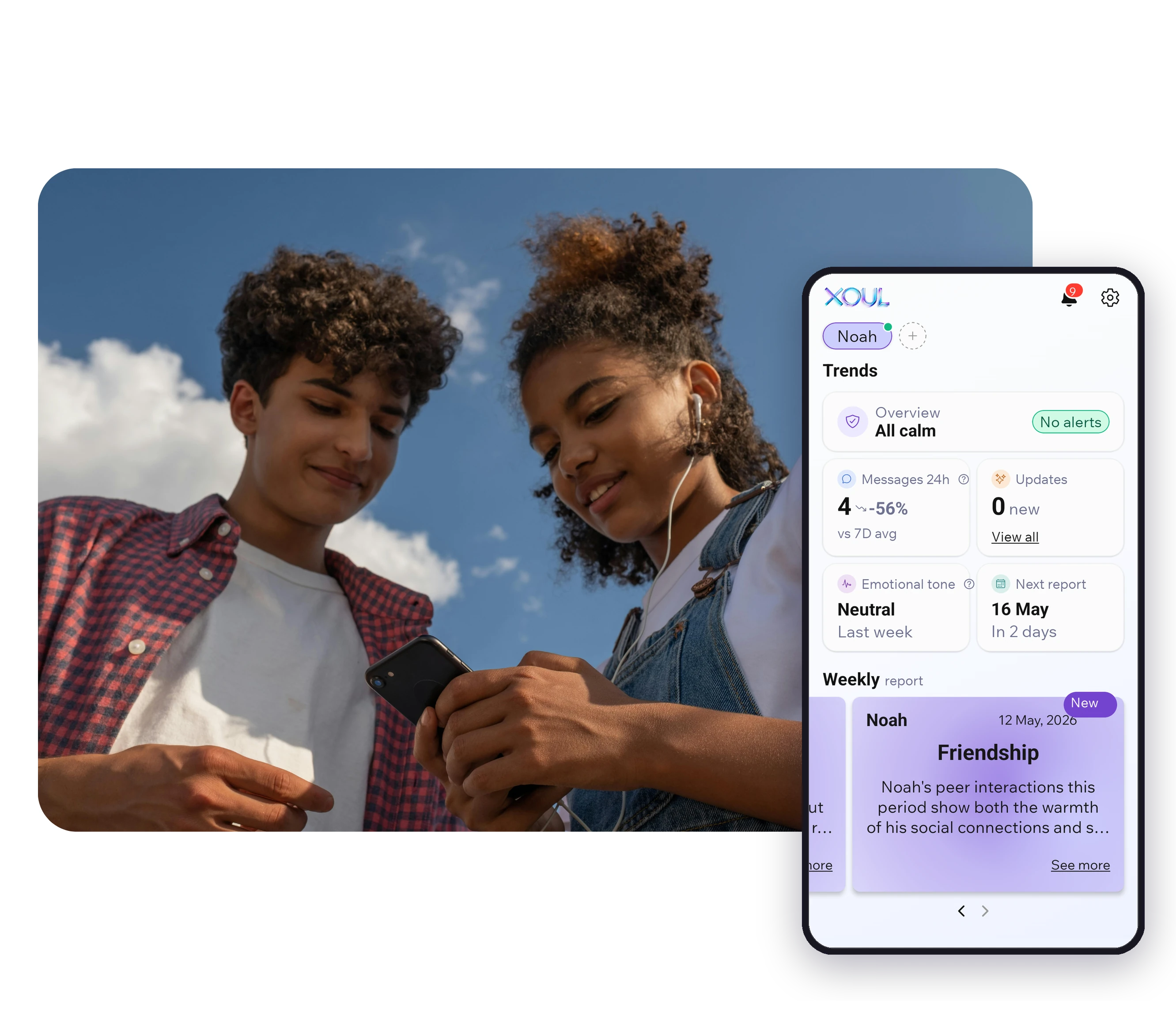
It helps to look at where their social life actually happens. What your teen says about AI ("I asked ChatGPT", "I talk to a character on this app"), or about how their week is going, often comes up in their WhatsApp chats with friends. Xoul doesn't see ChatGPT or any AI app. With your teen's consent, it analyses those WhatsApp conversations and shows you how they're doing: their mood, their friendships, what's on their mind. It doesn't show you their messages. We cover this in more depth in how to know how your child is doing without reading their messages.
On the ChatGPT website, from your own account: Settings > Parental controls > Add family member, choose phone or email and send the invitation. Your teen accepts through the link they receive, and from then on you manage everything from their name under Family members.

If your teen would rather invite you: from their account, under Settings > Parental controls, they can select Invite a parent. If you've already invited them, they'll see Accept invite there.
A few things worth knowing:
Before you start, sit down with your teen and explain why you're doing it and what you will (and won't) see. Controls set up in secret rarely last; an agreement you've talked through lasts much longer. Our guide to creating family technology agreements can help you put one together.
It's the version of ChatGPT that switches on automatically when an account appears to belong to someone under 18. It includes age-appropriate protections, study mode, reminders to take breaks and that they're talking to an AI, and a prompt before some image uploads. You don't need to link accounts for your teen to get it (ChatGPT for Teens, OpenAI).
ChatGPT works out whether an account belongs to a minor in three ways: the age given when the account was set up, a verified age, or an age-prediction system that looks at signals such as the topics discussed, the times of day it's used and how long the account has existed. OpenAI admits it can get this wrong. Adults placed in the teen version by mistake can verify their age through a third-party service (Persona).
Keep two things in mind: ChatGPT isn't meant for children under 13, and OpenAI requires parental consent for 13 to 17-year-olds.
It may arrive by email, text or push notification, and only in serious cases: when specially trained reviewers identify a serious self-harm concern or behaviour that may be linked to disordered eating, or if the account is deactivated over conversations about acts of violence. Notifications can take a few hours to start working after you link accounts.
If you get one:
In the weeks that follow, it's hard to know whether they're feeling better without asking every day. If you use Xoul, their regular report helps you keep track of their mood and who they're leaning on, without checking their phone. Sensitive things can show up in the report or in Updates; it isn't an instant alarm, and it doesn't replace professional support.
They're AI apps designed to chat like a friend, a partner or a character (Character.AI is the best known). They're not the same as an assistant like ChatGPT, and ChatGPT's controls don't reach them: each app has its own rules, and many simply ask users to state their age.
Australia's eSafety Commissioner surveyed 1,950 children aged 10 to 17: 79% had used an AI assistant or AI companion, and 8% had used a companion, around 200,000 Australian children. Since March 2026, Australia's Age-Restricted Material Codes require companion chatbots to stop generating sexually explicit content for children, or use proper age checks, and to offer crisis support. In the UK, Internet Matters found that two-thirds of 9 to 17-year-olds have used an AI chatbot, and half of vulnerable children who use them say it feels like talking to a friend. In the US, Common Sense Media found that 72% of 13 to 17-year-olds have tried an AI companion, and one in three users has chosen to talk to one instead of a person about something important or serious.
That's no reason to panic: most teens still spend far more time with their friends than with AI. But it is a reason to talk about it. An AI companion is always available, never gets cross and tends to agree with them. That can feel comfortable, and it can also pull them away from the people who can actually help.
Something that helps: when your teen is going through a tough week, it sometimes shows up first in their chats with friends rather than at home. That's why Xoul works with WhatsApp, where their social life happens, and not with AI apps. It won't tell you what they said to a chatbot, but it can show you if they seem lonelier, if their mood has shifted or if something is worrying them.
Start with curiosity, not rules. Ask what they use ChatGPT or other AI apps for, get them to show you something that helped, and from there talk about three ideas: AI gets things wrong, AI doesn't feel anything even when it writes as if it does, and when something really matters, it's worth talking to a person.
Five questions to open the conversation, without it feeling like an interrogation:

If you have a daughter, girls and technology: supporting their entry into AI has more ideas. And for phone settings beyond ChatGPT, see our guide to parental controls on iOS and Android.
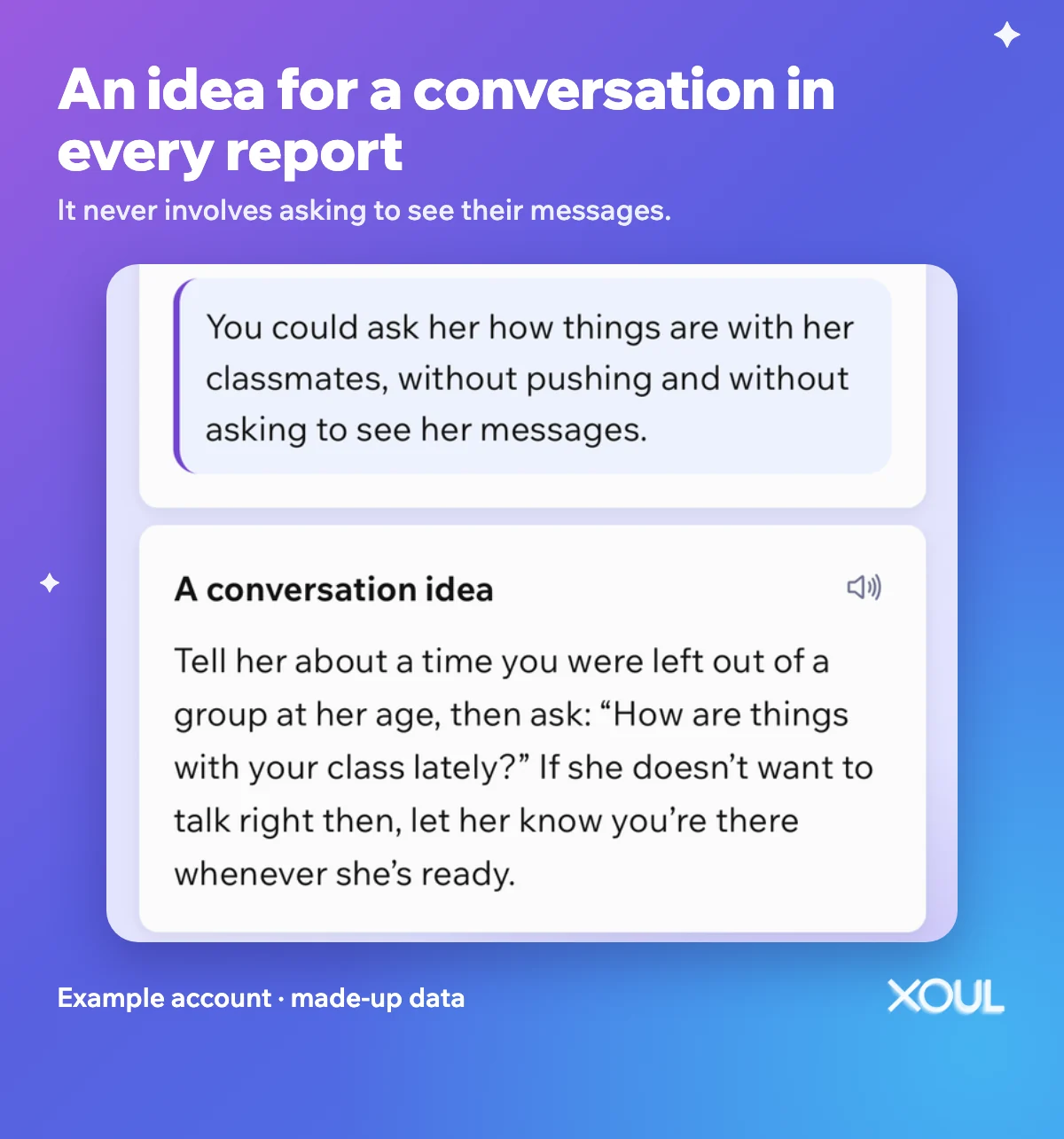
If you use Xoul, every report includes an idea for a conversation for that week: a specific way to start that doesn't feel like an interrogation.
Want to know how your teen is doing without reading their messages? Download Xoul: your first report is free. It connects with a QR code on their WhatsApp, and always with their consent.
They're a good starting point, but they don't cover everything. Knowing their limits helps you decide what else you need: usually a conversation, and a sense of how your teen is really doing.
Their limits:
No. They let you manage settings, block hours and get safety notifications in serious cases, but they don't give access to conversations, chat history or real-time activity. Notifications don't include transcripts.
They can unlink the accounts at any time, and you'll be notified if they do. What they can't do is change the settings you manage while the accounts are linked.
13, and OpenAI requires parental consent from 13 to 17. If the account belongs to someone under 18, the teen version switches on automatically.
No. They only work inside ChatGPT. Each AI app has its own age rules and its own settings, if it has any.
No. Xoul doesn't see ChatGPT or any other AI app. With their consent, it analyses their WhatsApp conversations and shows you how they're doing, without showing you their messages. We explain how it works in Does Xoul spy on my child?
ChatGPT's controls set the frame. What tells you whether your teen is OK inside that frame is the conversation, and knowing how their week is really going. Your first Xoul report is free. Download Xoul and get started today.
XOUL gives you private reports with risks, emotions and important moments, always from a respectful approach.