TL;DR. The best parental control apps in 2026 don't compete in the same category: each one optimizes for a different problem. Xoul wins for WhatsApp accompaniment with structural privacy (ages 8 to 16). Bark wins for AI multi-platform alerts with message access (US, Android). Qustodio wins for classic screen time management (preteens). Family Link wins on price-to-feature ratio (free, Android, younger kids). Mobicip and Norton Family are close substitutes for Qustodio with small variations.
Parental control is a fragmented market: more than 30 popular apps, with radically different approaches. For this comparison we chose the 6 that cover the most important decisions a family makes today: Xoul, Bark, Qustodio, Google Family Link, Mobicip, and Norton Family.
Evaluation criteria:
Best for: families with teens (ages 8-16) whose primary focus is WhatsApp and emotional wellbeing without invading privacy.
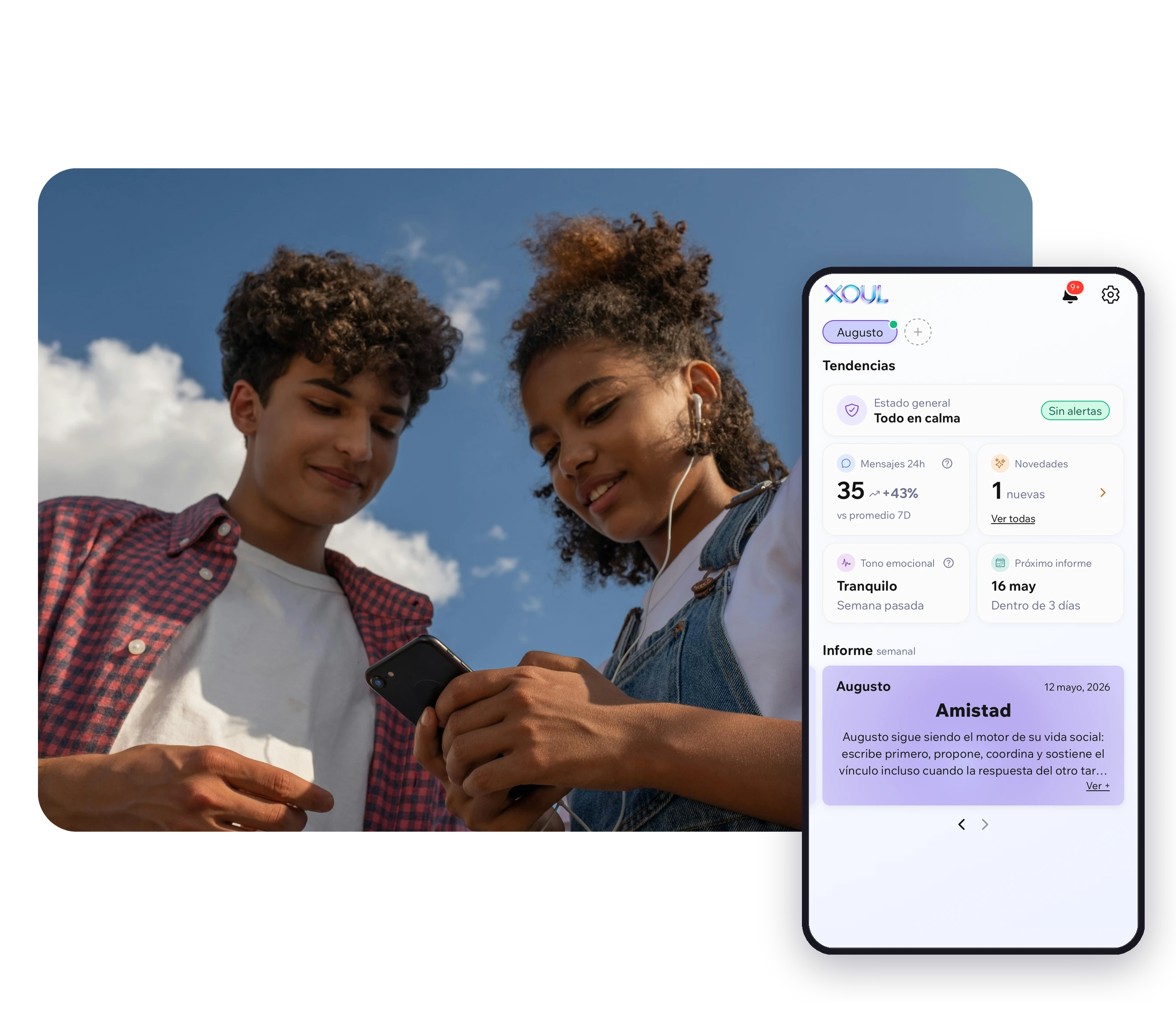
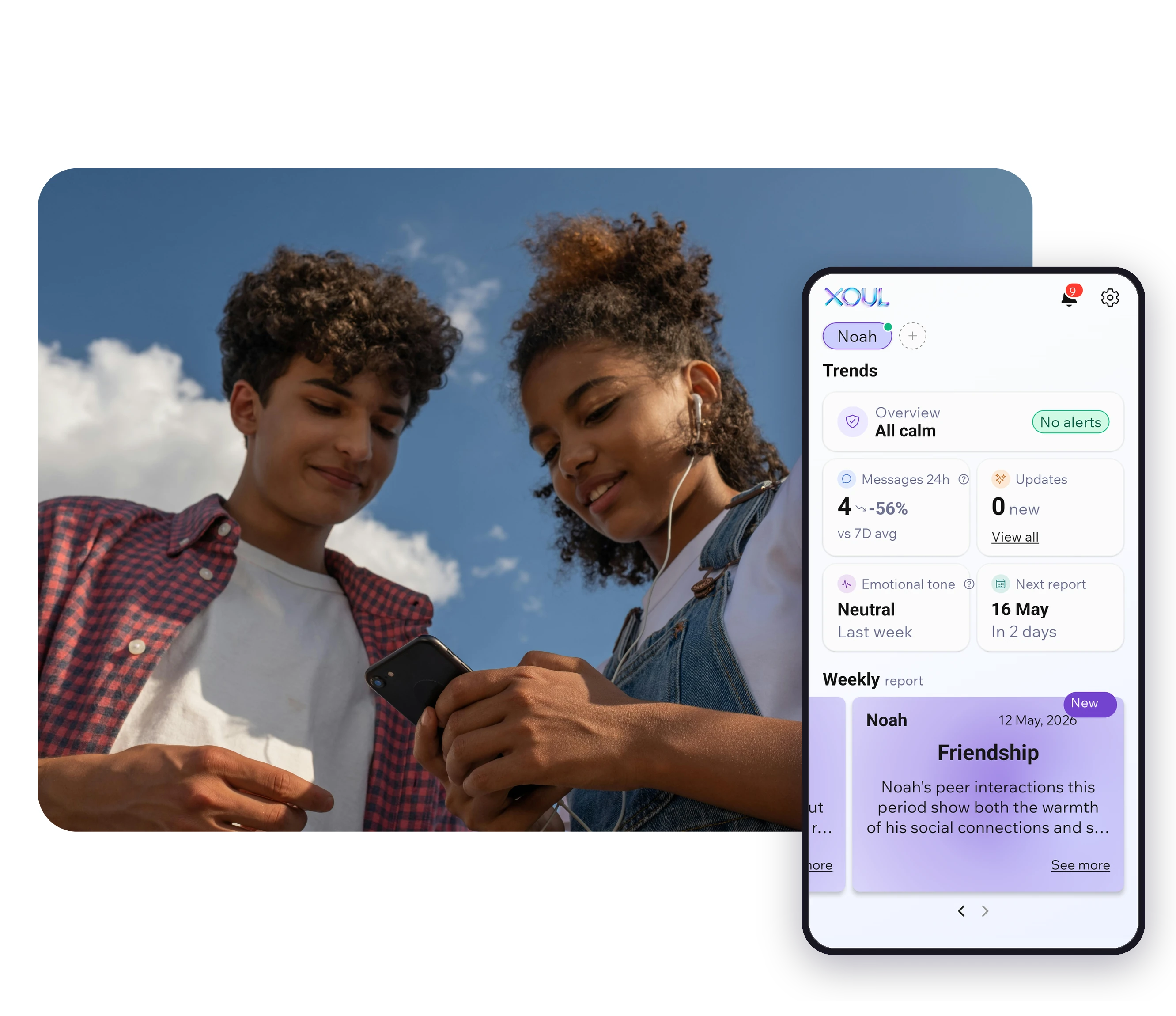
Xoul is a parental accompaniment app designed specifically for WhatsApp. The teen connects their WhatsApp via QR code (similar to WhatsApp Web) with their explicit consent. The AI, trained by a clinical team via human-in-the-loop, generates interpretive reports about emotional patterns, social bonds, and risk signals. Parents never read the messages.
Setup in 3 minutes, first report in 10. Works the same on iOS and Android. Recommended age range: 8 to 16.
Price: First report free, no credit card. Monthly or annual subscription.
Best for: US families on Android who want multi-platform coverage with AI alerts.
Bark monitors Instagram, Snapchat, Discord, TikTok, WhatsApp (partial on Android, limited on iOS), and 30+ other apps using AI to detect concerning content. When an alert is triggered, the parent receives the literal excerpt of the message. This is both its strength and its weakness: broad coverage, but exposes literal content.
Price: Monthly, no free first report.
Best for: families with preteen kids (8-11) focused on screen time and content filtering.
Mature traditional parental control suite. Excellent for time limits, app blocking, web filtering, and geolocation. Does not analyze WhatsApp content. Multi-platform including Chrome OS.
Price: Annual subscription, multiple tiers.
Best for: families with young kids on Android and zero budget.
Free and built into Android. Good device management (time, apps, location). Minimal iOS functionality. Zero visibility into WhatsApp or social media content. Loses effectiveness when the minor turns 13.
Price: Free.
Best for: families looking for an all-in-one suite with a focus on cross-platform web filtering.
Hybrid of screen time + content filtering + social media tracking. WhatsApp is treated as just another app to manage by time. Good web filtering. No emotional layer.
Price: Annual subscription.
Best for: families already using other Norton products who want integrated parental control.
Functionality very similar to Qustodio: time management, filtering, web supervision. Strong point: integration with Norton 360 if the family already has the security suite. Weak point: like Qustodio, it does not analyze WhatsApp.
Price: Included in some Norton 360 plans.
| App | Privacy | iOS | Age | Model | Price | |
|---|---|---|---|---|---|---|
| Xoul | Native, primary focus | Parents DON'T read messages | Full | 8-16 | Accompaniment | Monthly/annual, first report free |
| Bark | Partial Android, limited iOS | Exposes conversations in alerts | Limited | 6-18 | Surveillance with alerts | Monthly |
| Qustodio | Time tracking only | Full access | Partial | 4-12 | Restriction | Annual, multiple tiers |
| Family Link | None | Full access | Minimal | 4-11 | Restriction | Free |
| Mobicip | Light tracking | Full access | Partial | 6-14 | Restriction | Annual |
| Norton Family | Time tracking only | Full access | Partial | 4-13 | Restriction | In Norton 360 plan |
Ages 4 to 7: Family Link (free), Apple Screen Time, or Qustodio. At this age, full supervision is both expected and useful.
Ages 8 to 11: Qustodio or Mobicip if you want full traditional controls. If WhatsApp is the center of their social life (increasingly common from age 10-11), Xoul starts to make sense.
Ages 12 to 14: The pure control model loses effectiveness. Xoul or Bark are the options that scale with age. The key difference: Xoul preserves the child's privacy; Bark exposes conversations when it alerts.
Ages 15 to 16: Accompaniment over control. Xoul is the native option for this range. Family conversation matters more than the tool.
"I want to know how my child feels on WhatsApp": Xoul.
"I want them to use the phone less": Qustodio or Family Link.
"I want alerts when something serious happens": Bark.
"I want to know where they are": Family Link (Android) or Find My Kids.
"I want to filter inappropriate content on the internet": Qustodio, Mobicip, or Norton Family.
Family Link is the most solid free option, but only for Android and younger kids. Xoul offers the first report free with no credit card as an entry point to its accompaniment model.
Yes, and many families do. A common example: free Family Link for Android device management + Xoul for WhatsApp accompaniment. They cover different things.
Probably, if they find out without having agreed first. The evidence is clear: accompaniment with the child's consent (the Xoul model) generates less resistance than hidden or imposed surveillance.
There's no single answer. By ages 16-17, most control apps lose practical effectiveness. Accompaniment based on conversation and lightweight tools (like Xoul) can continue longer.
Yes. In most countries, parents and legal guardians have the right to supervise the digital life of minors under their care. The minor's consent strengthens the ethical framework and, in some countries, the legal one.
If you want to start with WhatsApp accompaniment specifically, try Xoul. First report free, no credit card, delivered in 10 minutes. Try Xoul free →
XOUL gives you private reports with risks, emotions and important moments, always from a respectful approach.