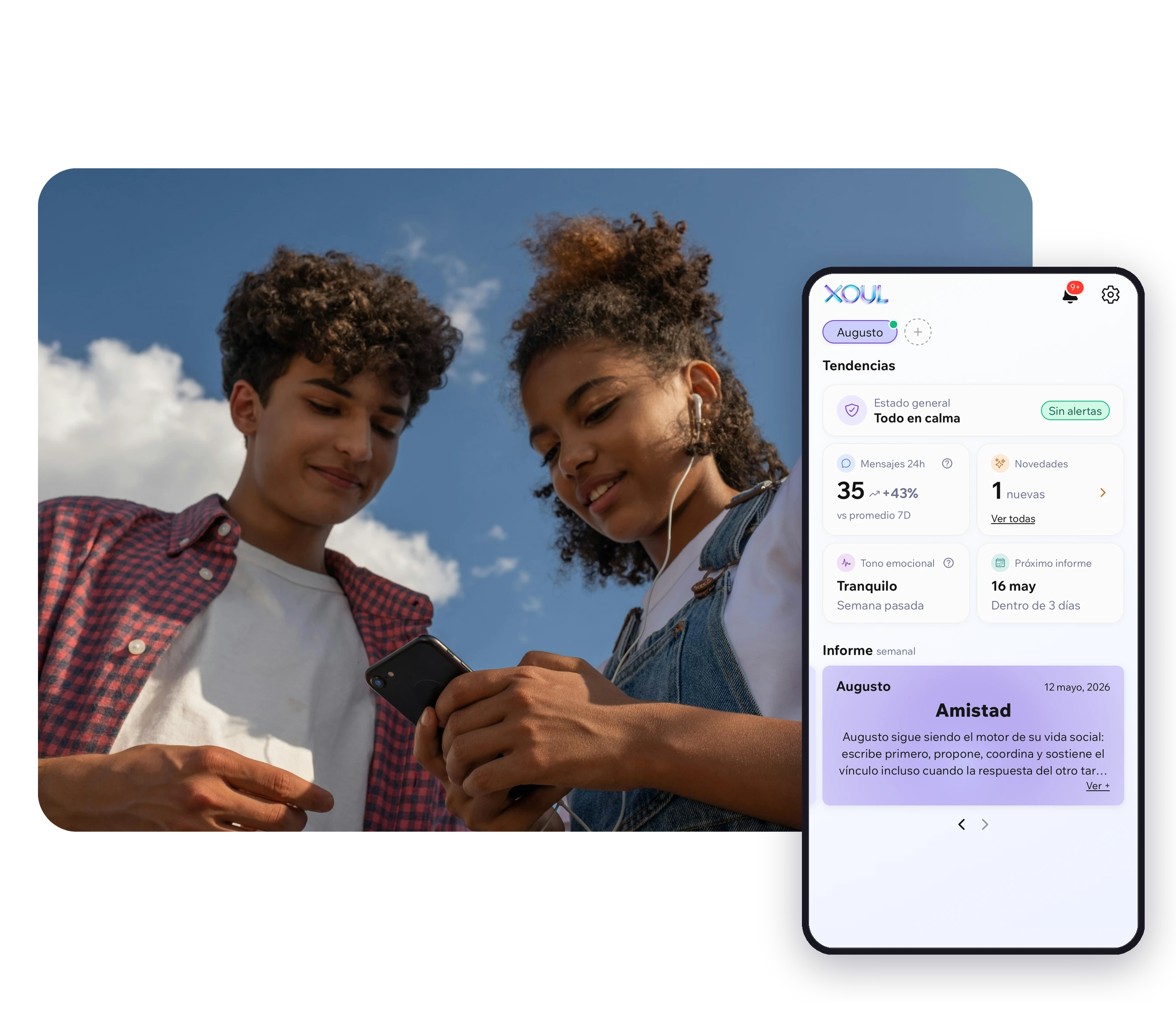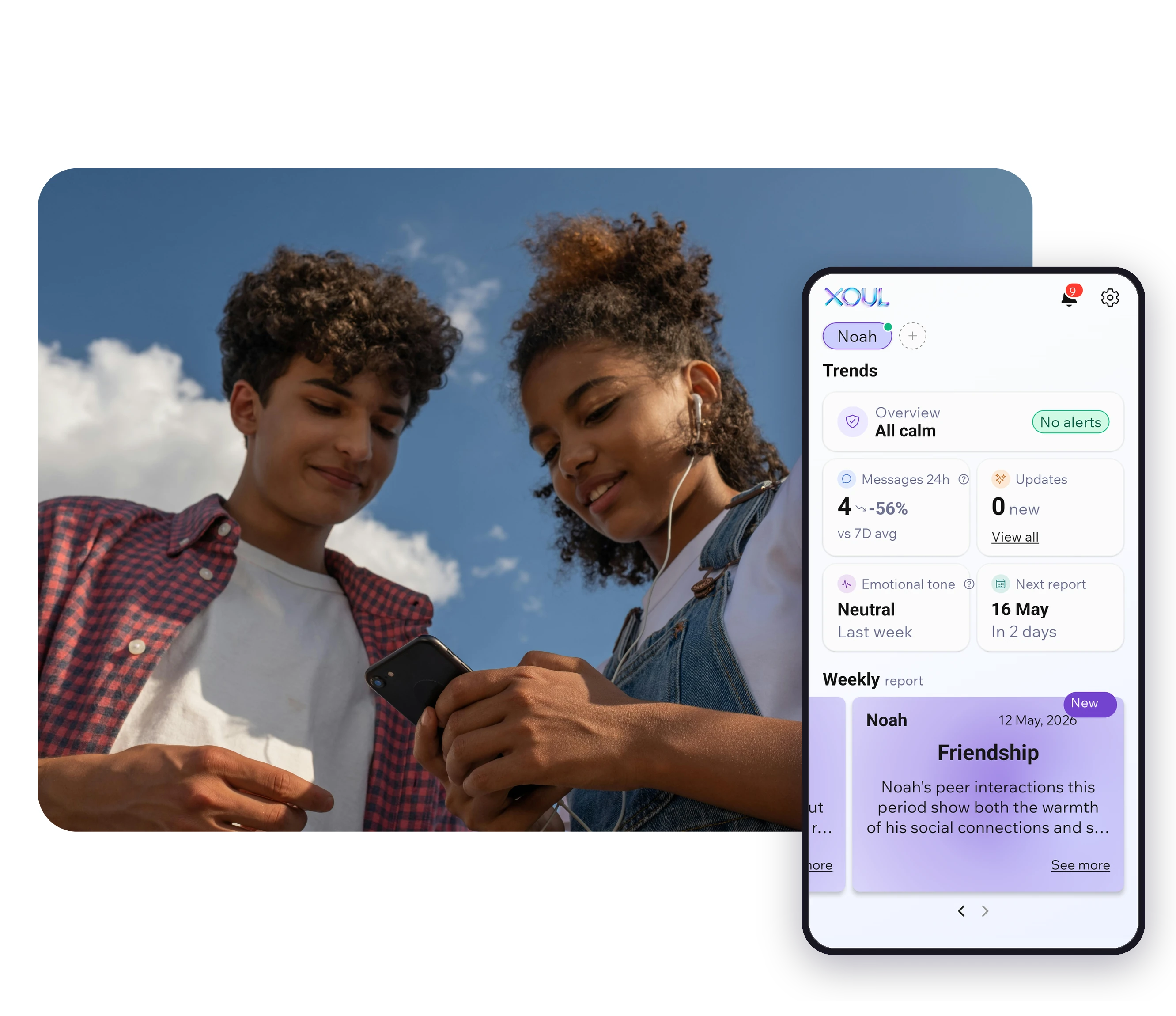
TL;DR. Parental controls are the set of tools and techniques that let an adult supervise, restrict, and filter a minor's digital activity. In 2026 there are four broad types: blocking, filtering, monitoring, and accompaniment. Each works best for a specific age. Classic parental control (blocking + filtering) works well for children ages 4 to 11. From age 12, accompaniment tools like Xoul are more effective because they preserve family trust.
Parental controls is the general name given to tools and techniques an adult uses to supervise a minor's digital activity. The minimum definition covers four possible functions, not all necessarily present in each tool: blocking access to certain content or apps, filtering what's seen by category, monitoring activity for adult review, and accompanying emotional wellbeing without invading content.
The term «parental controls» was coined around the year 2000 with the first tools for family PCs. Since then, it has evolved significantly.
Parental controls were born as a response to parents' concern about minors accessing inappropriate content online. The first tools (Net Nanny in 1995, CYBERsitter) were keyword web filters.
In the 2010s, with the rise of smartphones, the category expanded: screen time, app blocking, geolocation. Players emerged like Qustodio (2012), Bark (2015), Norton Family.
In 2017, Google launched Family Link, integrating native parental control into Android. Apple followed with Screen Time in 2018.
From 2022, a fourth wave emerges: parental accompaniment with focus on emotional wellbeing, structural privacy, and minor's consent. Xoul represents this category.
The tool prevents the minor from accessing certain apps, websites, or content. Examples: Family Link blocks apps the parent didn't approve; Qustodio blocks web categories.
Works well for young children. Works poorly with adolescents, who learn to use VPNs, second accounts, or alternative devices.
The tool analyzes content the minor accesses and categorizes it, allowing or blocking by rules. Examples: YouTube filtering by age, keyword filtering in browsers.
Useful for protection against explicit violent or sexual content. Fails with subtle content (cyberbullying, social pressure).
The tool records what the minor does digitally and shows it to the adult. Variants: time monitoring, message monitoring, location monitoring. Examples: Bark exposes message excerpts in alerts; Qustodio shows usage statistics.
Effective when there's clear suspicion of risk. Harmful when used without consent or in a generalized way.
The tool analyzes emotional patterns and social connections of the minor without exposing literal content. The adult receives interpretations, not messages. Example: Xoul.
The newest model. Works best with adolescents because it preserves trust and respects the minor's privacy while alerting to real risks.
Total control is expected and useful. The minor is just starting their digital life, generally with shared devices or close supervision. Tools: Family Link (free, Android), Apple Screen Time (free, iOS), Qustodio. Focus on: time limits, content filtering.
The minor starts having more independent digital life. Control still works but it helps to introduce dialogue. If WhatsApp becomes part of their social life (increasingly frequent from age 10), starting accompaniment in parallel is useful. Tools: Qustodio + Xoul, or Family Link + Xoul.
Pure control loses effectiveness. Growing need for privacy native to development. Accompaniment with consent is the native option. Tools: Xoul as central tool, complemented with Apple Screen Time or Family Link for screen time if needed.
Family conversation weighs more than the tool. Light accompaniment like Xoul can continue. Restrictive control is counterproductive. Focus on building the minor's own judgment.
Android dominant: Family Link is the best free option. For depth, Qustodio or Bark.
iOS dominant: Apple Screen Time is native and free. Other tools work with Apple limitations. Xoul works well on iOS because its connection doesn't depend on the minor's OS.
Mixed devices: Qustodio works on all. Xoul too.
Shared family device: Apple Screen Time or Family Link with separate accounts for each child.
1. Emotional AI. Tools are incorporating emotional pattern analysis, not just keywords. Xoul is the leading example.
2. Structural privacy. Tools that analyze data without exposing content to the adult. New model, still minority but growing.
3. Minor consent as requirement. Some tools (Xoul included) build it as part of the product, not as an add-on.
4. Growing state regulation. The United Kingdom announced in June 2026 a social media ban for under-16s. Other countries are evaluating following.
5. WhatsApp as key platform. Social media bans for minors coexist with accessible WhatsApp, concentrating adolescent social life there.
From the first device, generally between ages 6 and 8. The form of control evolves with age.
Pure control loses effectiveness from ages 14-15. Accompaniment can continue until ages 17-18.
Family Link and Apple Screen Time are free and sufficient for basic device management. For depth (advanced filtering, monitoring, emotional accompaniment) a paid tool is needed.
Yes. In most countries, parents have the right to supervise the digital life of minors under parental authority.
Not by default. Control without consent or dialogue does break it. Transparent, conversed control, especially with younger children, strengthens it.
If your child is over 12 and WhatsApp is central to their life, consider parental accompaniment. Xoul offers the first report free, no credit card required, delivered in 10 minutes. Try Xoul free →
XOUL gives you private reports with risks, emotions and important moments, always from a respectful approach.